桌面預設位於系統碟 (C:),系統重灌/毀損時檔案易遺失。可將桌面資料夾移至資料碟 (D:/E:) 保護資料安全。
移動步驟
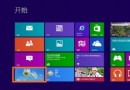
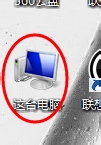
- 開啟「這台電腦」→ 進入 C: →
Users\<使用者名稱> 找到「桌面」資料夾。
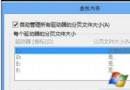
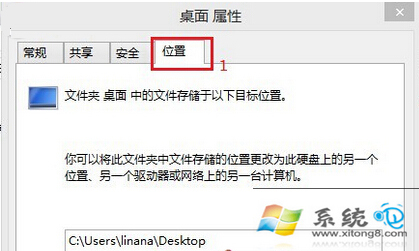
- 右鍵「桌面」→ 「內容」→ 「位置」索引標籤。
- 點選「移動」→ 選擇目標磁碟/資料夾(如
D:\Desktop)→ 「確定」。
- 系統詢問「是否將所有檔案移至新位置?」→ 「是」,檔案自動遷移完成。

同步建議
- 同樣操作可移動「文件」、「圖片」、「音樂」、「影片」、「下載」等使用者資料夾。
- 若目標磁碟為外接硬碟,拔除時桌面會暫時恢復預設路徑,重新插入自動切回。
- 企業環境可透過群組原則
User Configuration\Windows Settings\Folder Redirection 統一導向網路磁碟/伺服器。