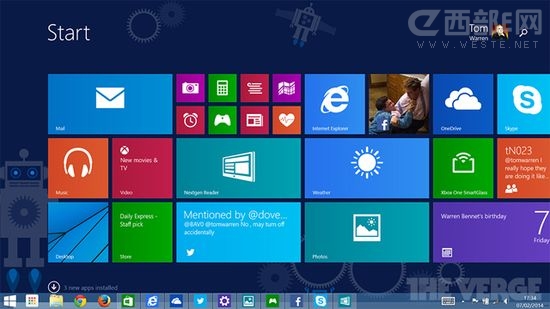
國外論壇發現,修改登錄新增特定鍵值可誘導 Windows Update 提供 Windows 8.1 Update 1(KB2919442 等)下載。
regedit
HKEY_LOCAL_MACHINE\SOFTWARE\Microsoft\Windows
SHWindowsPoolS14
提醒:修改登錄有風險,建議先備份。官方推送穩定性較佳,動手能力強者可嘗試,一般用戶建議等待官方推送。
Win8.1 無法玩《逆戰》?相容模式 Win8 + 關閉防毒 + 移除第三方輸入法 + 更新顯卡驅動
Win8 錯誤 0x80070005「拒絕存取」?以系統管理員身分執行目標程式
Win8 開始畫面加入桌面程式捷徑:右鍵「釘選到開始畫面」三步驟
Win8 升級版天氣 App 評測:即時溫度、7日預報、逐小時、衛星雲圖、歷史氣候一次滿足
解決 Windows 8 播放音樂/影片雜音、爆音問題:修改登錄與停用多媒體排程器
Win8 MAK版不影響激活獲取商店升級推送的完整教程
Windows 8 PPPoE 撥號上網四步驟:網路和共用中心 → 設定新連線 → 寬帶 (PPPoE) 輸入帳號密碼連線
Windows 8 快速關閉 Modern UI 應用程式:標準下拉手勢、第三方工具縮短距離、任務管理員強制結束三法