Windows XP Windows 7 Windows 2003 Windows Vista Windows 綜合教學 Linux 系統教學
Windows 10 Windows 8 Windows 2008 Windows NT Windows Server 電腦軟體教學

Win8 無法線上播放影片?IE 多媒體設定重置 + 註冊表清理 Flash 相容性鍵 + 重裝 Flash Player 完整修復

編輯:Windows 8 系統介紹

Win8 IE 突然無法播放網頁影片,通常是多媒體選項被關閉、ActiveX 執行權限不足、或 Flash 註冊表相容性鍵殘留導致。

三步修復

  1. IE 進階設定重置: 工具 → 網際網路選項 → 進階 → 多媒體 → 勾選「在網頁中播放動畫」 → 安全性 → 自訂等級 → 「執行 ActiveX 控制項與增益集」設為「啟用」。
  2. 註冊表清理 Flash 相容性鍵: Win+R regedit → 刪除 HKEY_LOCAL_MACHINE\SOFTWARE\Microsoft\Internet Explorer\ActiveX Compatibility\{D27CDB6E-AE6D-11CF-96B8-444553540000} 與 {D3F97240-C9F4-11CF-BFCF-00A0C90C2BDB} 兩個鍵值 (若存在) → F5 重整。
  3. 重裝 Flash Player (IE 版): 下載官方 install_flash_player_ax.exe 安裝 → **必須重新啟動 IE** 生效。

注意:下載 ActiveX 版 (IE 專用) 而非 PPAPI (Chrome/Opera) 或獨立播放器。
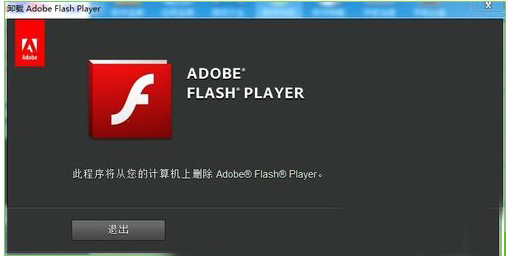
Flash Player 下載頁面

Copyright © Windows教程網 All Rights Reserved