快捷方式左下角小箭頭雖利於辨識,但影響美觀,許多用戶希望移除。
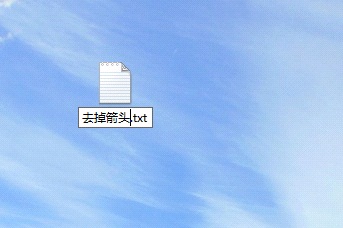
reg add "HKEY_LOCAL_MACHINE\SOFTWARE\Microsoft\Windows\CurrentVersion\Explorer\Shell Icons" /v 29 /d "%systemroot%\system32\imageres.dll,197" /t reg_sz /f
taskkill /f /im explorer.exe
attrib -s -r -h "%userprofile%\AppData\Local\iconcache.db"
del "%userprofile%\AppData\Local\iconcache.db" /f /q
start explorer
pause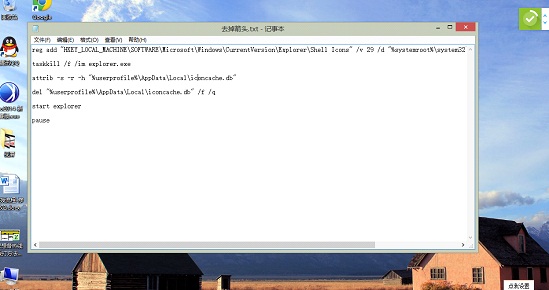
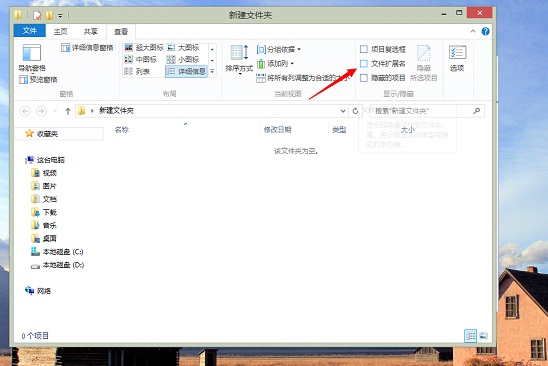
.txt 改為 .bat,點擊「是」確認。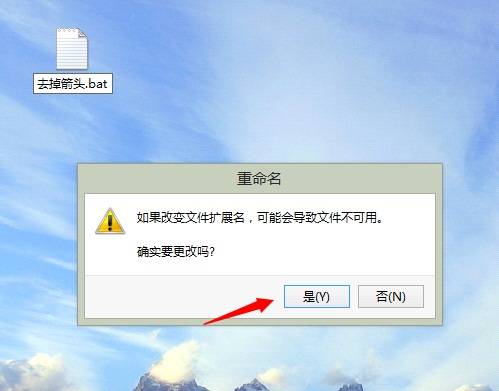
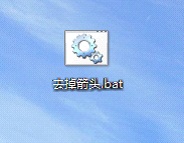
將批處理內容替換為以下代碼,同樣以管理員身份運行:
reg delete "HKEY_LOCAL_MACHINE\SOFTWARE\Microsoft\Windows\CurrentVersion\Explorer\Shell Icons" /v 29 /f
taskkill /f /im explorer.exe
attrib -s -r -h "%userprofile%\AppData\Local\iconcache.db"
del "%userprofile%\AppData\Local\iconcache.db" /f /q
start explorer
pauseWindows 8 在 LTE 版高通 S4 處理器平板上示範運行
微軟收購 Perceptive Pixel 推出 82 吋巨型 Windows 8 平板 售價或降至 8 萬美元以下
Win8.1 持續彈出「連接智能卡」?提升帳號為管理員或安全模式修改帳號類型
Win 8.1/RT 8.1 新增語言與鍵盤完整操作指南(含語言套件下載、顯示語言變更、輸入法切換、鍵盤版面新增、預設鍵盤設定)
Windows 8 GPT 分區架構詳解:恢復分區、EFI 系統分區、MSR 保留分區與 Windows 安裝分區功能解析
Win8.1 / Server 2012 R2 找回微軟拼音雙拼:Modern UI 介面設定入口