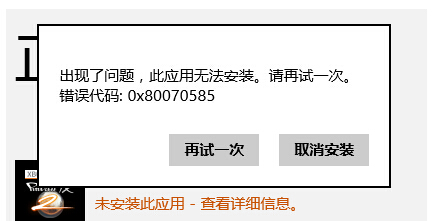
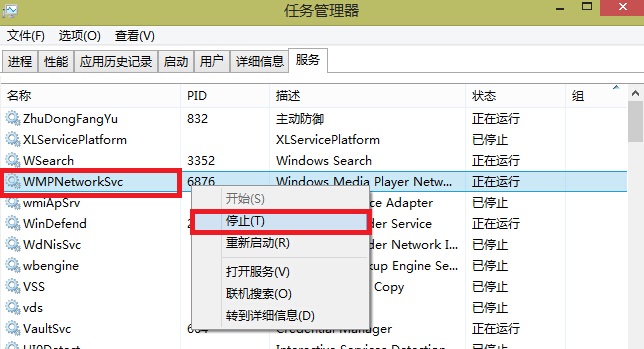
Windows 8 應用商店安裝軟件報錯 0x80070585。
0x80070585
Win8.1 安裝必應輸入法兩種方法:升級覆蓋與靜默安裝
Windows 8 家庭群組設定快速入門
Windows 8 安裝與常用軟體設定實戰筆記
升級 Windows 8 前必讀:硬體需求檢查、必背快捷鍵、優質 Metro 應用推薦、升級前準備清單
修復 Windows 7/8 雙系統開機選單:BCD 修復與快速啟動關閉全攻略
Windows 8.1 安全開機未正確配置修復:群組原則啟用增強開機配置資料驗證
Windows 8 開啟 IIS 8.0 功能支援 ASP/ASP.NET:控制台啟用 Windows 功能完整步驟與驗證
Windows 8 快速查看作業系統版本與建置編號的方法