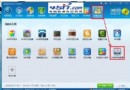
360 安全衛士/殺毒安裝後會在右鍵選單加入「360 強力刪除」、「360 檔案粉碎機」等項目。透過 360 自身設定即可移除,無需動註冊表。
移除右鍵選單項目
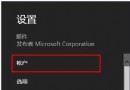
- 360 安全衛士主介面: 右鍵托盤圖示 → 設定 → 基本設定 → 功能定制 → 取消勾選「系統右鍵選單」下的所有項目。
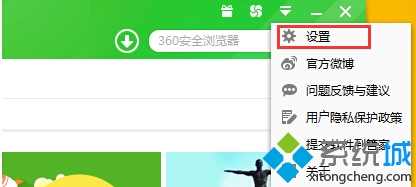
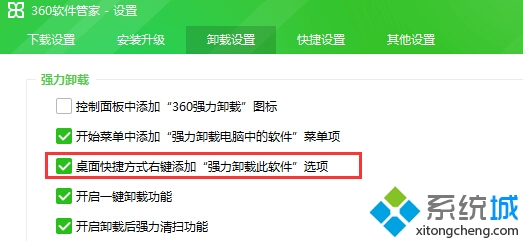
- 360 軟體管家: 開啟 → 右上角選單 → 設定 → 解除安裝設定 → 取消勾選「在系統右鍵選單中顯示『360 強力卸載』」。
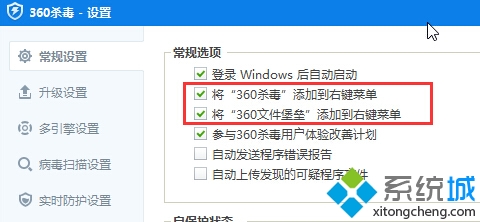
- 360 殺毒 (若有安裝): 開啟 → 設定 → 取消勾選右鍵選單相關兩項。
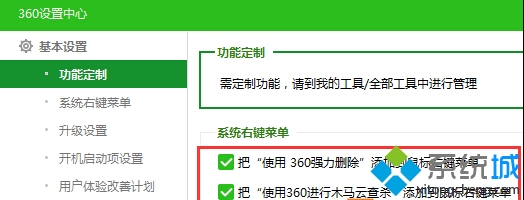
取消勾選後右鍵選單即刻恢復乾淨,不影響 360 核心防護功能。