Chrome 在 Windows 8 上頻繁崩潰、網頁無法載入,常因註冊表中遺留損壞的 Google 相關鍵值導致。清除對應註冊表項目後重啟電腦即可恢復正常。
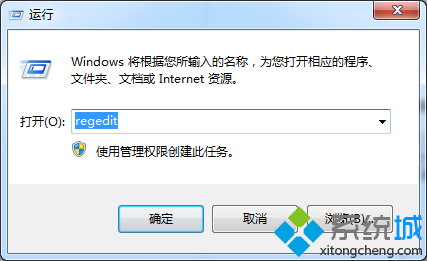
regedit 進入登錄編輯器。google。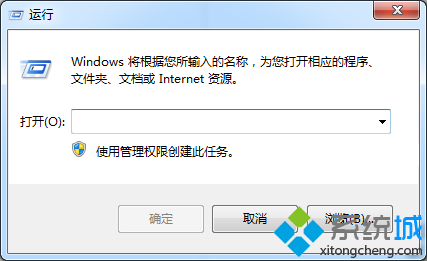
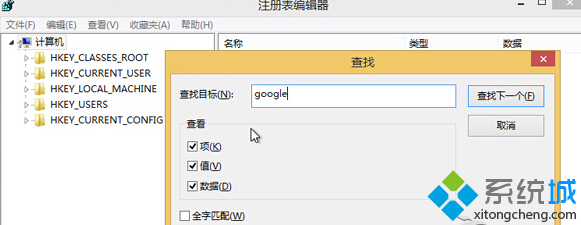
重啟後 Chrome 應能正常啟動並載入網頁。若問題持續,建議重新安裝 Chrome 最新版。
Win8 圖片密碼防暴力破解:無字符特性免疫鍵盤記錄器與字典攻擊
Windows 8 開啟檔案總管三種方法:新手必學的基礎操作
Windows To Go 完整教學:將 Windows 8 裝進隨身碟,打造攜帶式企業桌面
Windows 8 心路歷程回顧:M1 Build 7850 → M2 7955 → M3 8102 → Pre-Beta → Consumer Preview
深度體驗 Windows 8 內建防火牆:規則管理、通知自訂、高級雙向過濾
Windows 8 輕鬆安裝豐富語言包:控制台「新增語言」一站式下載、顯示語言與輸入法優先序管理