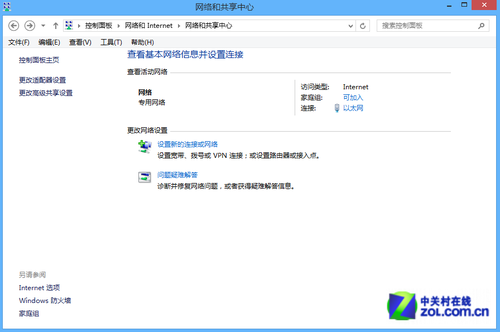
Windows 8 網路連線故障完整排查指南:網線、IP、診斷、撥號、驅動、ISP 六大面向
Win8 程式解除安裝三大管道:控制台、Metro、開始選單全攻略
Windows 8 桌面找不到計算機圖示?透過個人化設定快速找回
Win8.1 WiFi 掉線/連不上?一鍵啟用 FIPS 相容性解決
Win8 MAK版不影響激活獲取商店升級推送的完整教程
Win8.1 Update 1 補丁離線安裝順序與版本差異完整說明(KB2919442 為先決條件)
Win8 軟體安裝卡在「掛起」狀態解決方法
Win 8.1 無法玩 LOL?升級補丁與替換檔案解決相容問題