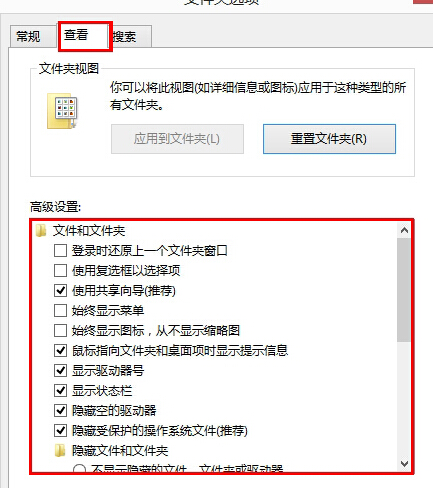
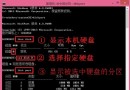
Win 8 磁碟機無法重新命名,解決:
Unlocker
Unlocker 檔案鎖定磁碟機重命名權限,刪除後恢復正常。
Win8 內建行事曆 App 同步 Google 行事曆:三步驟完成帳號新增與雙向同步
Win8 Metro 應用程式無法開啟三大原因與解決方案
Windows 8 解決「登錄編輯器已被管理員停用」錯誤,透過群組原則啟用註冊表編輯工具
Windows 8 心路歷程回顧:M1 Build 7850 → M2 7955 → M3 8102 → Pre-Beta → Consumer Preview
Windows 8 Beta 截圖曝光:Build 8141 含 Media Center、Metro 背景可換色
Win8 將應用程式釘選到開始畫面:右鍵選單一鍵固定常用捷徑
Windows 8/8.1 找回瀏覽器與應用程式儲存密碼:認證管理器完整操作指南
Windows 8.1/RT 8.1 輕鬆存取功能完整指南:螢幕閱讀、放大鏡、高對比、鍵盤/滑鼠替代方案