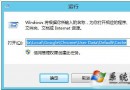
Win 8 設定 IE HTML 編輯器為記事本:
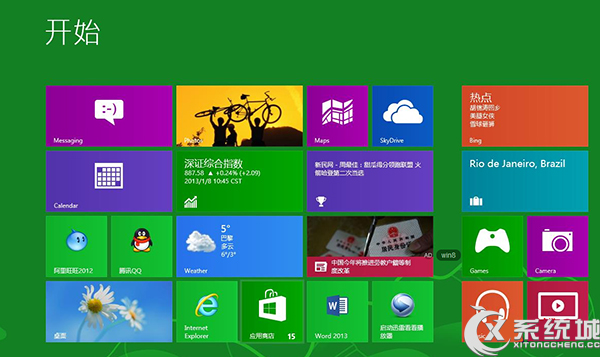
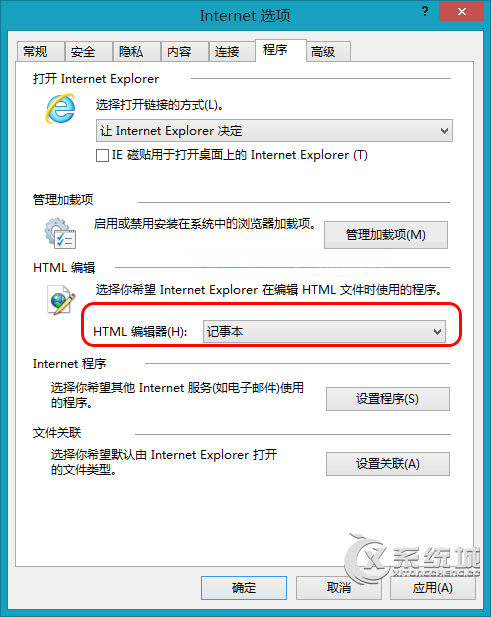
之後在 IE 中「檢視原始碼」即會用記事本開啟,方便快速編輯。
Win8.1 裝 4GB 記憶體只顯示 2GB 可用?BIOS 調整共享顯存解決
Windows 8 指派存取權 (Assigned Access) 設定教學:限制帳號僅能使用單一應用程式
微軟 Windows 8 八大新功能預測:雲端運算、可攜工作區、Hybrid Boot、應用商店、IE10、內建 PDF、History Vault、整合 Skype
Windows 使用者期待 Windows 8 改進五大功能:自訂安裝、壓縮格式支援、整合安全、工作管理員、軟體中心
Windows 8.1 安裝教學全圖解:光碟安裝、硬碟安裝 (NT6 HDD Installer/Win7 原生)、升級安裝三種模式
VMware Workstation 虛擬機安裝 Win8 RP x64 圖文教學:自定義模式啟用 UEFI/虛擬化相容性