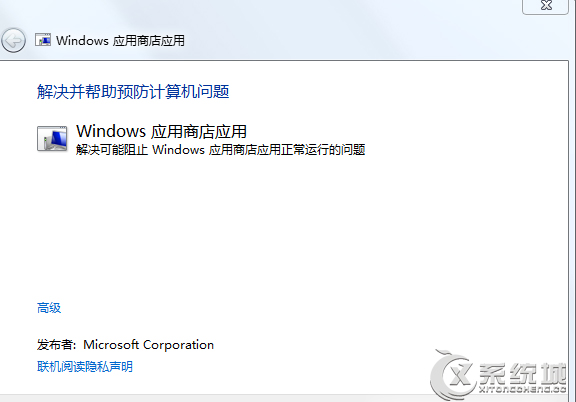
Win 8.1 應用商店報錯 80070057 三大解法:
80070057
services.msc
C:\Windows\SoftwareDistribution
SoftwareDistribution1
4.2.2.2
4.2.2.1
任選一法通常即可解決。
Windows 8 設定定時關機:批次檔排程法與第三方工具
設定 Windows 8 檔案歷程記錄磁碟機
Win8 鎖定畫面便利貼神器:TuneUp IncrediLock 體驗
Windows 8 飛行模式:一鍵關閉所有無線電波
Win8.1 WiFi 連不上或顯示「連線受限」?啟用 FIPS 相容性即刻解決
Win8 開機卡住「無法完成更新 正在復原變更」?強制關機三次進入復原環境還原系統
Win8 查看系統版本資訊:圖形介面與指令列雙管齊下
Win8.1 Update WIMBoot 技術深度解析:原理、分區架構、限制與應用場景