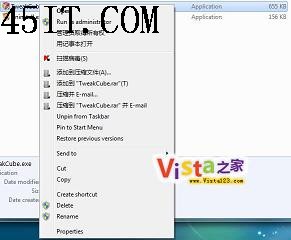
Windows 7 執行檔右鍵選單多出「相容性疑難排解」,對一般用戶無實際用處,只會讓選單變長。可透過匯入登錄檔移除。
Windows Registry Editor Version 5.00

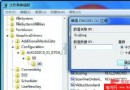
[-HKEY_CLASSES_ROOT\lnkfile\shellex\ContextMenuHandlers\Compatibility]
[-HKEY_CLASSES_ROOT\exefile\shellex\ContextMenuHandlers\Compatibility]
[HKEY_CLASSES_ROOT\batfile\ShellEx\ContextMenuHandlers\Compatibility]
remove_compat.reg。或直接下載已製作好的注册表文件導入。移除後右鍵選單更乾淨。