適用場景
Netbook/超輕薄筆電無內建光碟機,需從 USB 外接硬碟安裝 Windows 7 RC。
準備條件
- 另一台有光碟機/可掛載 ISO 的電腦(宿主機)。
- 外接硬碟 ≥ 5 GB 可用空間,最好為空碟。
- 下載 32 位元 Windows 7 RC ISO。
製作可開機外接硬碟
- 宿主機連接外接硬碟 → 磁碟管理 → 右鍵分區 → 「標記為作用中」,接受警告。
- 用 Nero、MagicISO、WinZip 等將 ISO 解壓至外接硬碟根目錄。
- 安全移除硬碟。
目標電腦安裝
- 連接外接硬碟 → 開機進 BIOS 調整啟動順序優先 USB,或按熱鍵(如 Acer F12)選 USB 啟動。
- 進入 Windows 7 安裝精靈,依指示完成安裝。
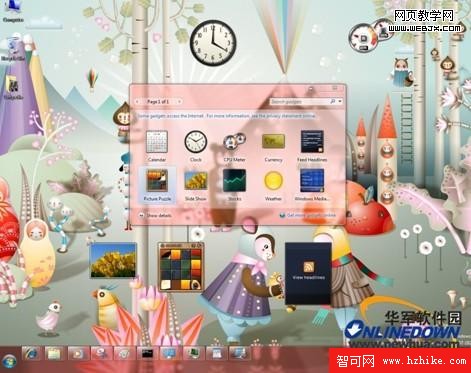
全程約 1 小時,免光碟機輕鬆部署。