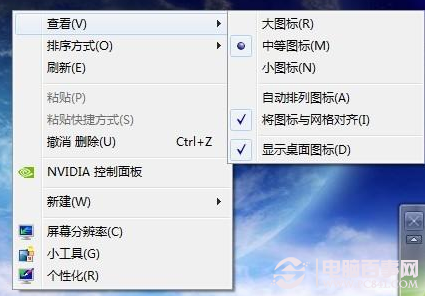
Win7 旗艦版「行動中心」專為筆記本設計,台式機預設不可用。兩步移植:
微軟官網下載 drvupdate-x86(選中文)安裝。

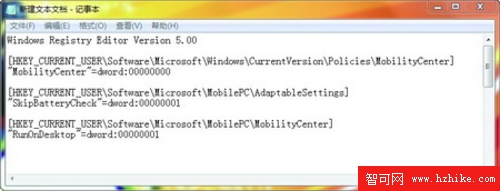
記事本輸入以下內容存為 .reg 導入:
Windows Registry Editor Version 5.00

[HKEY_CURRENT_USER\Software\Microsoft\Windows\CurrentVersion\Policies\MobilityCenter]
"MobilityCenter"=dword:00000000

[HKEY_CURRENT_USER\Software\Microsoft\MobilePC\AdaptableSettings]
"SkipBatteryCheck"=dword:00000001

[HKEY_CURRENT_USER\Software\Microsoft\MobilePC\MobilityCenter]
"RunOnDesktop"=dword:00000001
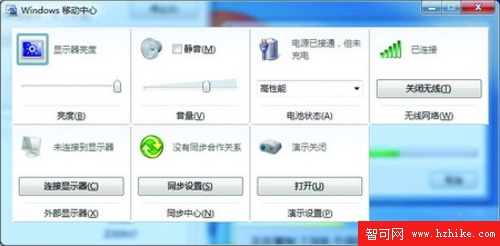
Win + R 輸入 mblctr.exe → 行動中心介面出現,可調音量、無線網路、螢幕亮度等。
有需求的桌機用戶不妨一試!