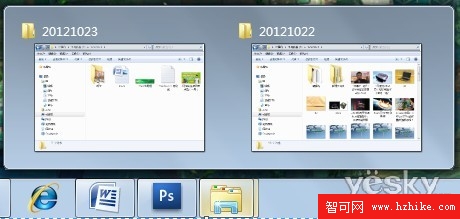
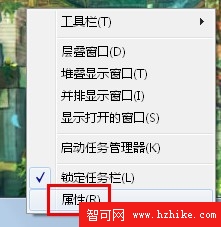
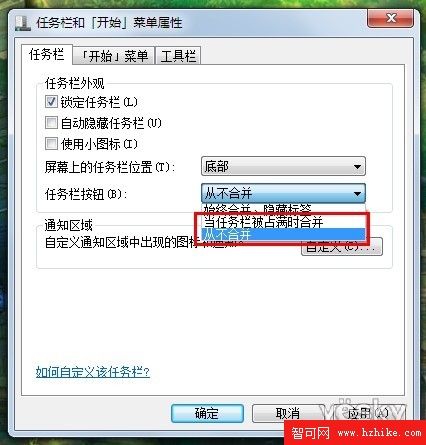
Windows 7 「超級工作列」預設將同類程式合併,滑鼠懸停才顯示縮圖。若偏好 XP 風格,每個視窗獨佔一個按鈕,操作如下:
若覺得完全不合併太擁擠,可選「工作列滿時才合併」,兼顧空間與辨識度。
關閉 Win7/Vista 開啟資料夾時的「咔哒」導覽音效
Windows 7 通宵下載不費電:啟用「離開模式」省電 24%,再配合電源計劃雙重節能
Win7 安全中心服務關閉怎麼開啟?服務管理工具手動啟動
Windows 7 一鍵變身 Wi-Fi 基地台:虛擬無線網路 (Hosted Network) 設定教學與支援裝置清單
Windows 7 3D 視窗切換捷徑製作:一鍵喚鍵免記複雜熱鍵
Windows 7 服務優化完整指南:依據用途精準啟用/停用,大幅提升開機與執行速度
Vista/Win7 關機、睡眠、休眠、待機模式完整差異解析
Windows 7 AppLocker 實戰:封鎖惡意程式、限制遊戲、保護系統檔案