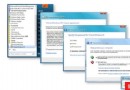
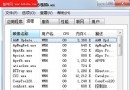
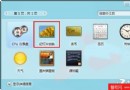
使用者誤將捷徑 (.lnk) 以「開啟方式」關聯至 Word 且勾選「永遠使用」,導致所有捷徑變成 Word 文件且無法恢復。本文從基礎知識切入,教導 assoc/ftype 指令修復檔案關聯。
assoc 管理)ftype 管理)assoc .lnk → 顯示 .lnk=lnkfileassoc .lnk=lnkfile (恢復標準關聯)assoc .lnk=lnk → 所有捷徑顯示 .lnk 副檔名且無法開啟HKEY_CLASSES_ROOT\. 預設值 (但 assoc 修改範圍更廣,不建議直接改登錄)。ftype txtfile → 顯示 txtfile="%SystemRoot%\system32\NOTEPAD.EXE" %1ftype txtfile=notepad.exe → 建立新關聯ftype lnkfile= (等號後無空格)HKEY_CLASSES_ROOT\\shell\open\command 預設值 (同樣修改範圍更廣)。assoc .lnk → 回傳 .lnk=lnkfile (第一層正常)ftype lnkfile → 回傳「找不到檔案類型」 (第二層系統預設為空,正常)下篇將詳細說明 UserChoice 機制與刪除修復法。