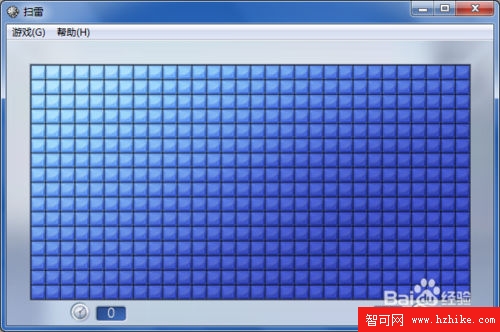
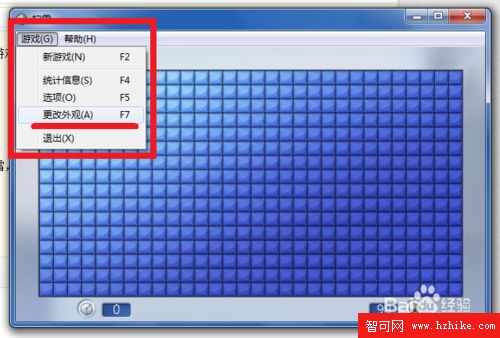
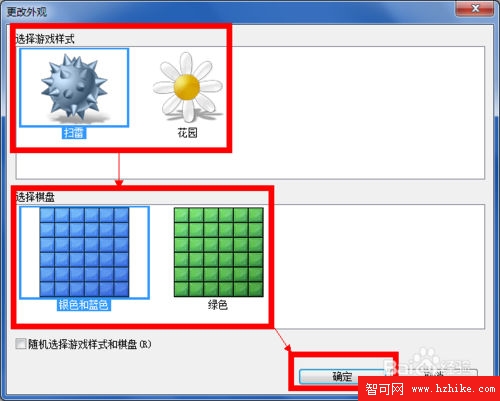
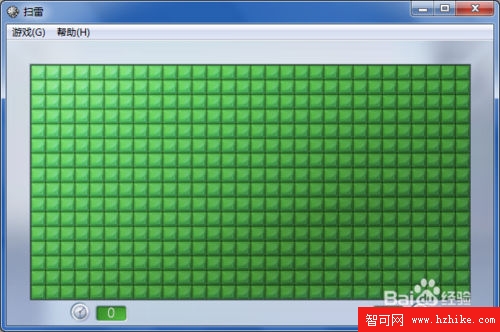
Windows 7 掃雷內建「標準藍色」與「花園」兩種外觀,支援地雷樣式與棋盤樣式獨立搭配,並可設定每局隨機切換。
Win7 內建備份還原完整教學:系統備份最佳時機與操作詳解
Win7 開機啟動修復全攻略:MBR/PBR/BCD/BOOTMGR 多層故障診斷與指令修復
Win7 刪除 Winsock 註冊表導致 DHCP Client 無法啟動?修復指南
修改 Windows 7/XP 雙系統啟動項進階指令大全:BCDEdit 完整參數參考 (2)
Windows 7 漫畫專輯:顯示桌面按鈕
Win 7 系統小技巧:讓網路資料夾也能加入「程式庫」統一管理
安裝 Windows 7 前必須了解的八大關鍵問題
Win7 Aero 效果無法顯示?三步排查:版本確認、Aero Peek 啟用、主題切換