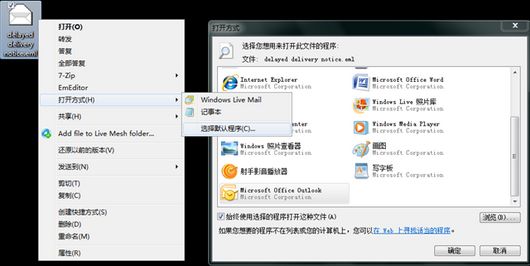
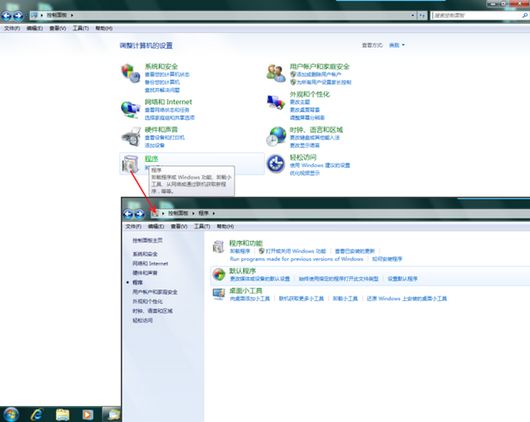
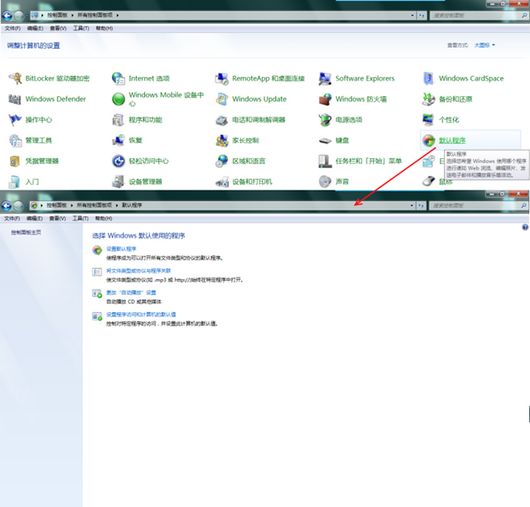
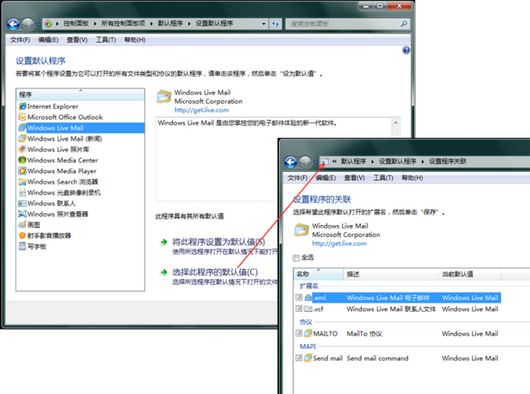
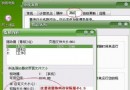
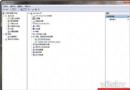
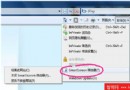
Win7 中「資料夾選項」不再有「檔案類型」頁籤,修改檔案關聯移至控制台 → 預設程式。
.eml
Win7 集中管理檔案關聯於「預設程式」,操作邏輯清晰,只需找對入口。
善用 Windows 7 AppLocker 應用程式控制原則,封鎖惡意程式與木馬執行
刪除 Windows.old 資料夾完整指令教學:釋放數十 GB 空間
Win7 建立系統還原點圖文教學:一鍵還原前提與掃描影響程式功能
Win7 數學輸入面板:手寫數學公式直輸 Word,論文寫作神器
Win7 工作列視窗合併模式切換:永不合併/始終合併/滿才合併
用記憶體當硬碟:AMD Radeon RAMDisk 建立超高速虛擬磁碟教學
高手刪除 Win7 100MB 系統保留分區:Diskpart + BCDEdit 將開機檔案移回 C 槽
Win7/Vista 找不到立體聲混音選項?解決方案與替代方案