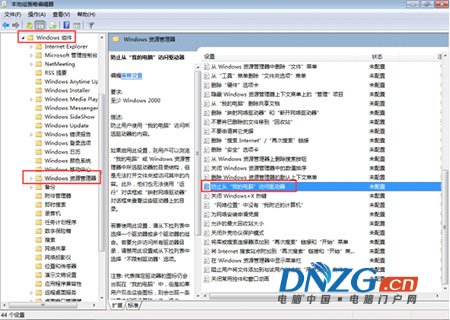
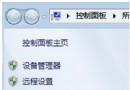
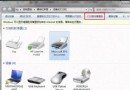
Win7 雙擊磁碟機無反應或提示無法存取,通常是群組原則限制。解除方法:
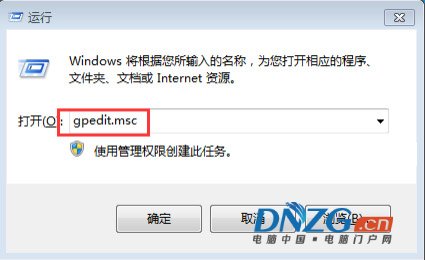
gpedit.msc
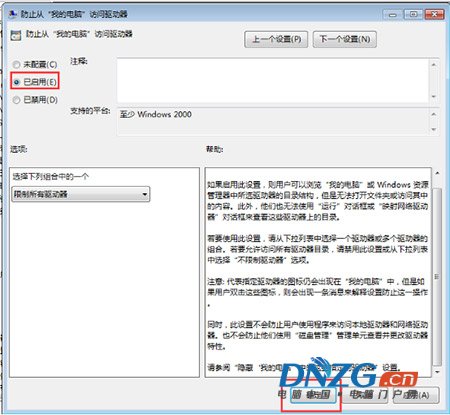
設定完成後即可正常開啟所有磁碟機。
Win7 進入安全模式完整指南:F8 法、msconfig 法、安全模式三大核心功能
Win 7 啟動 ICS 網際網路連線共享服務失敗?依序啟用兩項相依服務
Win7 Epson 印表機列印頭清洗教學:裝置與印表機介面一鍵維護
老毛桃 USB 開機製作工具 V2013:原版 Win7/Win8 硬碟安裝全攻略
Win7 32位系統開啟遠端桌面連線:允許任意版本或僅網路層級驗證
一鍵統一 Windows 7 所有資料夾檢視模式
Win7 耳機音量太小?喇叭屬性啟用「響度均衡」一鍵增大音量
必背 15 個 Windows 7 超實用快速鍵