Windows XP Windows 7 Windows 2003 Windows Vista Windows 綜合教學 Linux 系統教學
Windows 10 Windows 8 Windows 2008 Windows NT Windows Server 電腦軟體教學

Win7 桌面自動產生「我的 Bluetooth 位置」圖示?登錄表刪除鍵值永久隱藏

編輯:Win7 常見問題解答

現象說明

桌面莫名出現「我的 Bluetooth 位置」圖示,刪除後重開機又出現,干擾桌面整潔。

登錄表永久移除法

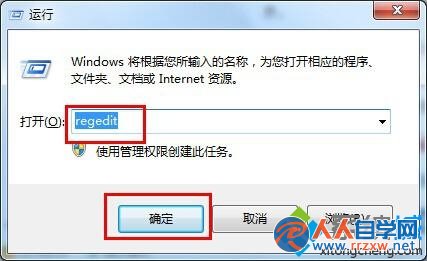
  1. 按 Win + R 輸入 regedit 開啟登錄編輯器。
  2. 開啟 regedit
  3. 依序展開:
    HKEY_LOCAL_MACHINE\SOFTWARE\Microsoft\Windows\CurrentVersion\Explorer\Desktop\NameSpace
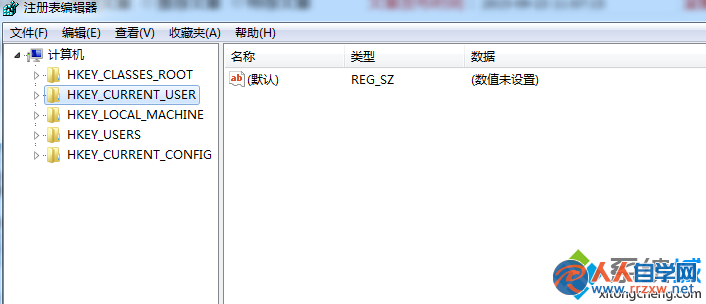
  4. NameSpace 路徑
  5. 在 NameSpace 下找到鍵值 {6af09ec9-b429-11d4-a1fb-0090960218cb},右鍵 → 「刪除」。
  6. 返回桌面按 F5 重新整理,圖示即消失不再重生。

原理

此 CLSID 對應「Bluetooth 裝置」命名空間擴充功能,刪除該鍵值即移除 Shell 命名空間擴充點,Explorer 不再在桌面建立該虛擬資料夾捷徑。

Copyright © Windows教程網 All Rights Reserved