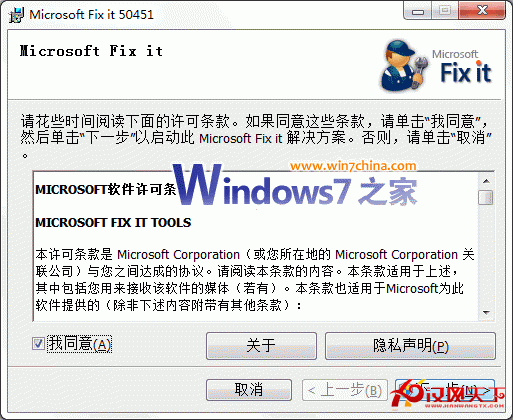
早前需繁雜手動設定才能讓 Win7 Media Center 觀看中文網路電視,現在微軟官方釋出 Fixit 小工具(Microsoft Fix it 50451),點擊下方圖片下載並執行即可一鍵搞定。
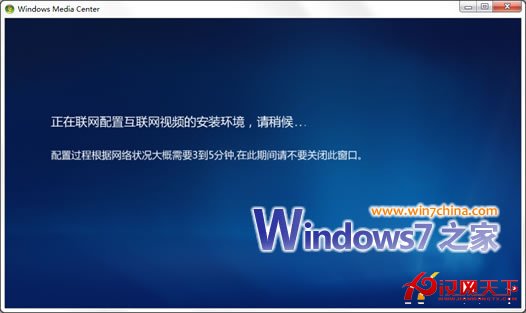
下載的 .msi 執行後自動下載所需系統檔與設定資料:
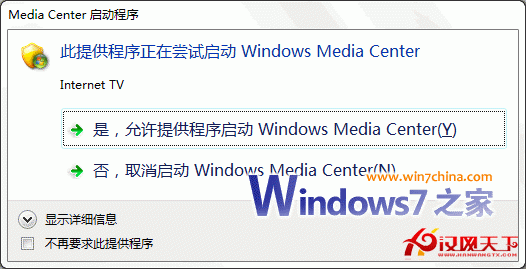
幾分鐘後提示「Internet TV」,選擇「是,允許提供者啟動 Windows Media Center」:
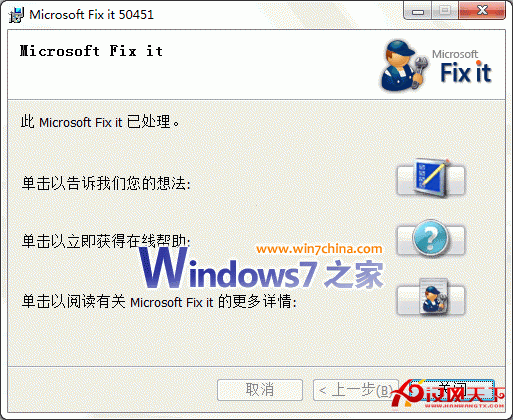
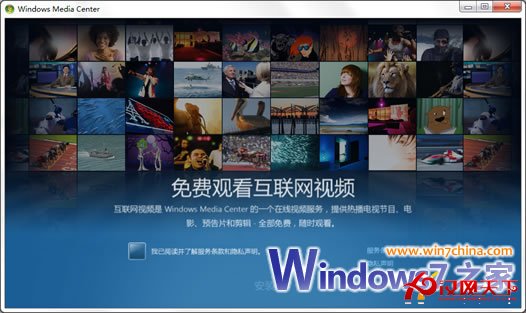
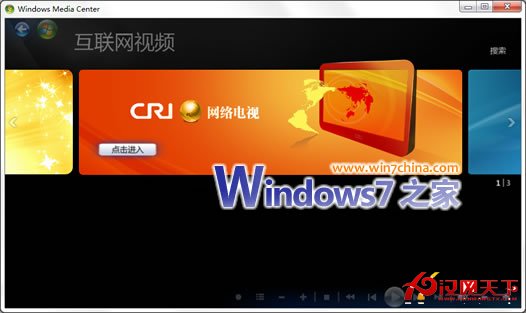
完成後啟動媒體中心,勾選並安裝即可:
無需重開機、打補丁,直接可用。不想用 Fixit 的高手可參考舊版手動教學。
Win7 印表機不支援雙面列印?手動奇數頁/偶數頁分兩次列印實現雙面效果
Win7 透過 VNC 客戶端連線 Red Hat Linux AS 5.8 完整設定指南
Win7 連接小米藍牙耳機顯示「外圍設備安裝不成功」?補裝 Atheros 驅動即可解決
VMware 7 在 Windows 7 下安裝 Chrome OS 虛擬機完整圖解
Win7 善用「自然語言搜尋」:像跟人說話一樣找檔案
Win7 系統加速 8 大技巧:開機、關機、切換、資源全面優化
Win7 資料夾加密設定密碼:使用「隱身俠」建立加密保險箱
Win7 如何設定四聲道喇叭?聲音控制台配置揚聲器測試環繞聲