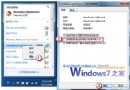
Win7 撥號寬帶連線失敗,彈出錯誤代碼 1717(「RPC 伺服器無法使用」),主因是 Windows Event Log 服務未執行,導致網路相關服務無法記錄事件而中斷連線。
修復步驟
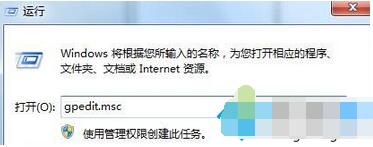
- 按 Win+R 輸入
services.msc 開啟服務管理員。
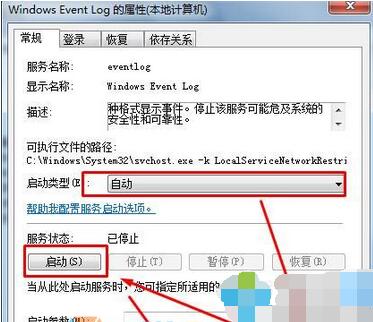
- 找到 Windows Event Log,雙擊開啟內容。
- 「啟動類型」改為 自動 → 「套用」 → 「啟動」 → 確定。
後續檢查
- 若設定後仍失效,嘗試同步啟動 Remote Procedure Call (RPC)、DCOM Server Process Launcher 等相依服務。
- 若多項核心服務均異常,系統可能遭受惡意軟體破壞,建議掃毒或修復安裝。
此錯誤常見於精簡版系統或誤用優化工具停用服務後,養成「不隨意停用系統服務」習慣可有效預防。