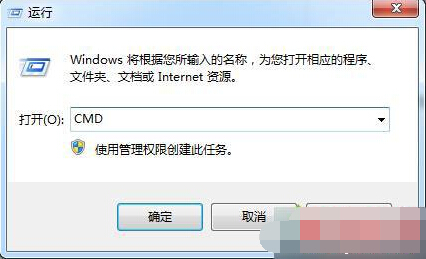
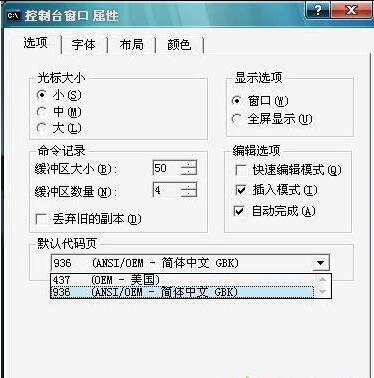
命令提示字元 (CMD) 輸入/顯示中文變亂碼,主因代碼頁非 936 (繁體中文 Big5/CP950 環境下亦適用)。一行指令切換代碼頁即可修復。
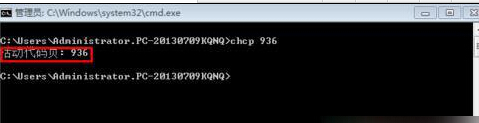
chcp 936
作用中的字碼頁: 936
936
chcp 65001 切換至 UTF-8 亦可顯示中文,但部分舊版指令相容性較差。建議預設使用 936,需 UTF-8 時臨時切換。
chcp 65001
Win7關機快捷鍵是什麼?系統自帶與自定義兩種方案
Windows 7 更改檔案關聯程式:滑鼠右鍵「開啟方式」→「選擇預設程式」三步驟完成
Win7音量图标不见了?任务栏属性-通知区域-开启系统图标三步找回
Win7 刪除桌面 IE 圖示失效?修改登錄表 Desktop NameSpace 移除
Win7 藍牙耳機連線聽歌完整設定指南
Windows 7 旗艦版 IE 瀏覽器故障修復:使用 regsvr32 重新註冊 actxprxy.dll
Win7 開始選單變成英文/經典模式怎麼改回來?效能設定/主題/語言包三大原因
Win7 寬帶路由器 DNS 被竄改?四步徹底淨化網路環境