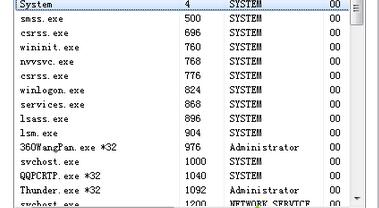
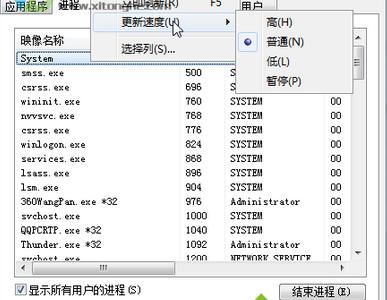
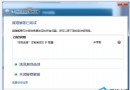
工作管理員 CPU/記憶體數值靜止不動,主因「更新速度」被設為「暫停」或「低」。
若選單列隱藏,按 Alt 鍵暫時顯示。此設定為使用者專屬,不影響其他帳號。
Win7 系統內建優化全攻略:開關機加速、服務精簡、視覺特效調整
Win7 無法將大檔案複製到 USB 隨身碟?分卷壓縮輕鬆解決
Win7 禁用 sgtool.exe 流氓進程?任務管理員找檔案位置 → 重命名偽裝無害程式覆蓋替換
筆記本運行機器人編程軟件需要聯網流量嗎?離線編程全場景解析
Win7 記憶體使用率高怎麼辦?判斷標準與優化建議
未來電腦會長什麼樣?透明螢幕、摺疊屏、全息投影已在路上
Win7 列印文件彈出「另存為 XPS/PDF」視窗?設定預設印表機解決
手機設為 U 盤模式怎麼傳音樂到電腦?三步操作+無線替代方案