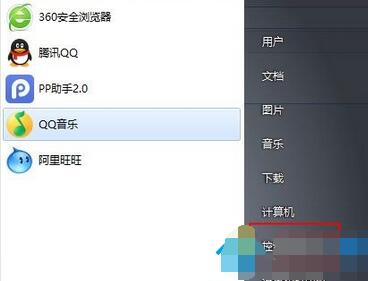
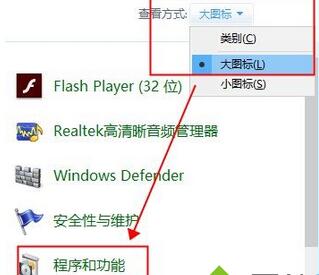
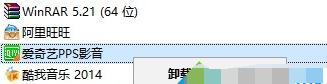
開機彈出「RunDLL 找不到指定模組」通常是某軟體卸載不乾淨,留下啟動項指向不存在的 DLL。移除殘留啟動項即可。
進階手動清理: Win+R → msconfig →「啟動」頁籤 → 取消勾選路徑指向不存在 DLL 的項目;或用 Autoruns 工具精準刪除殘留啟動項。
msconfig
解決 Windows 7 聲卡驅動無法安裝的完整指南
電腦顯卡選什麼牌子好?AIC 廠商優劣勢與避坑指南
Win7 共享 Wi-Fi 熱點出現錯誤 1203?netsh 指令重置託管網路修復
Win7 如何關閉系統還原?系統保護與群組原則雙重關閉
Win7 執行 Windows Defender 錯誤 0x800106BA 完整修復方案
Win7 右鍵選單出現虛影/殘影?關閉「點擊後淡出選單」特效
Win7 升級 Win10 後 IE 瀏覽器無法播放影片?啟用 Flash Player 與還原系統重裝 Flash 解決相容性問題
Windows 7 開機藍屏錯誤修復教學:善用「最後一次正確配置」與安全模式