現象
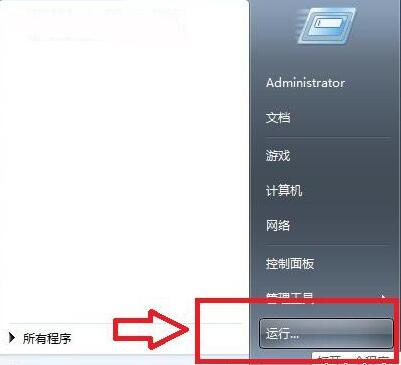
Windows 7 開始功能表預設未顯示「執行」命令,需手動啟用。
啟用步驟
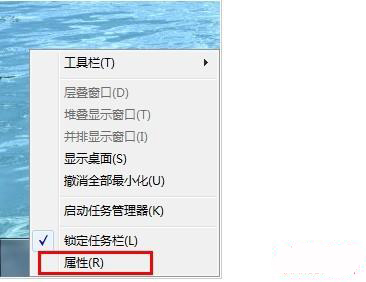
- 右鍵點選工作列空白處 → 選擇「屬性」。
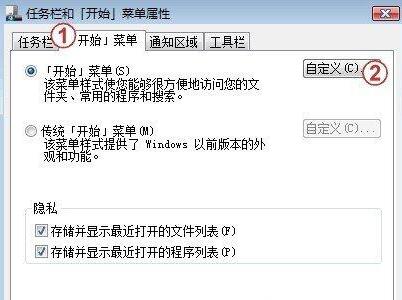
- 切換到「開始功能表」索引標籤 → 點選「自訂」。
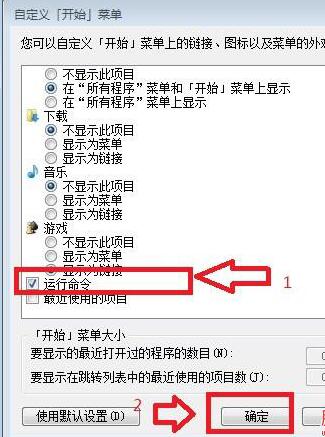
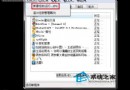
- 在清單中找到「執行命令」 → 打勾啟用。
- 按「確定」 → 再按「確定」關閉工作列屬性視窗。
快速替代方案 (無需設定)
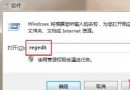
- Win + R:直接呼叫「執行」對話方塊 (最常用、最快)。
- 開始功能表搜尋框直接輸入指令 (如
cmd, regedit, msconfig) 按 Enter 執行。
適用版本
Windows 7 所有版本 (家用版/專業版/企業版/旗艦版)。