重裝 Win7 後發現 IIS 管理員捷徑不見了?其實系統已內建 IIS,只需從「管理工具」將其發送到桌面即可。以下步驟適用於 Win7 旗艦版/專業版。
操作步驟
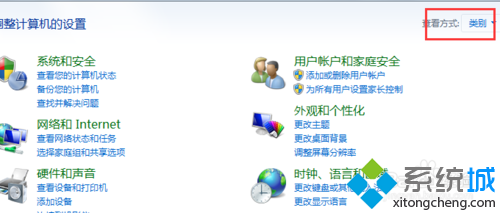
- 點擊左下角 開始 → 控制台。
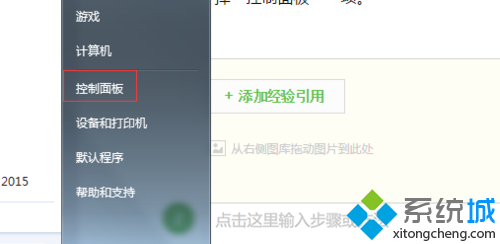
- 將檢視模式切換為 大圖示 或 小圖示,找到並點擊 管理工具。
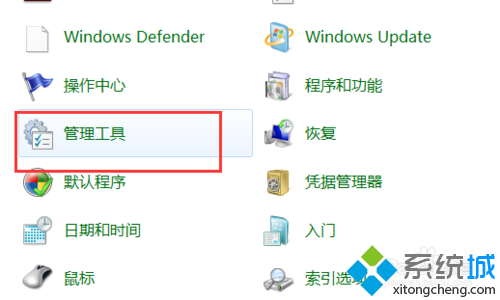
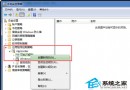
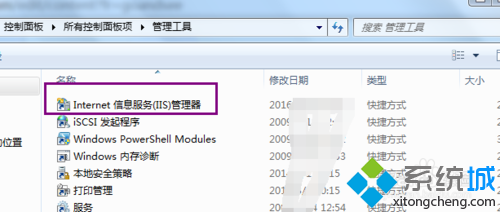
- 在管理工具視窗中,找到 Internet Information Services (IIS) 管理員。
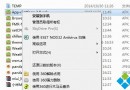
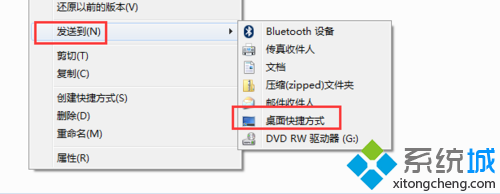
- 右鍵點擊它,選擇 傳送至 → 桌面捷徑。
- 回到桌面即可看到 IIS 管理員捷徑,雙擊即可快速開啟。
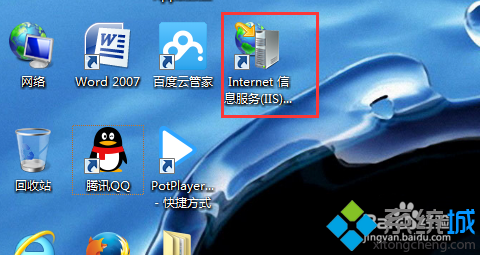
此方法無需重新安裝任何元件,幾秒鐘就能找回 IIS 管理捷徑,方便網頁開發與伺服器管理。