Windows XP Windows 7 Windows 2003 Windows Vista Windows 綜合教學 Linux 系統教學
Windows 10 Windows 8 Windows 2008 Windows NT Windows Server 電腦軟體教學

Win7 誤關資源管理器(explorer.exe)怎麼辦?任務管理員一鍵重啟

編輯:Win7 系統應用技巧

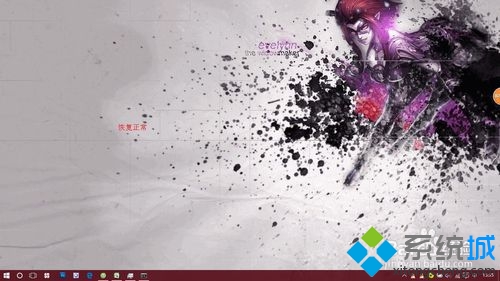
不小心在工作管理員結束了 explorer.exe,導致桌面圖示、工作列、開始選單全消失,只剩背景圖片。不用重開機,透過工作管理員「執行新工作」輸入 explorer 即可瞬間恢復。本文圖文示範完整操作。
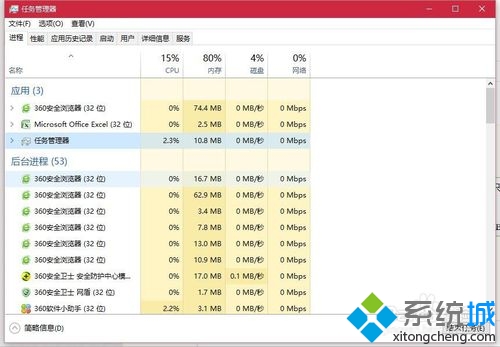
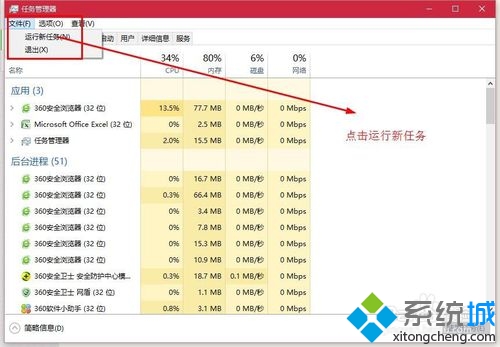
操作步驟

  1. 按 Ctrl+Alt+Del 呼出工作管理員(若工作列已消失,此熱鍵仍有效)。
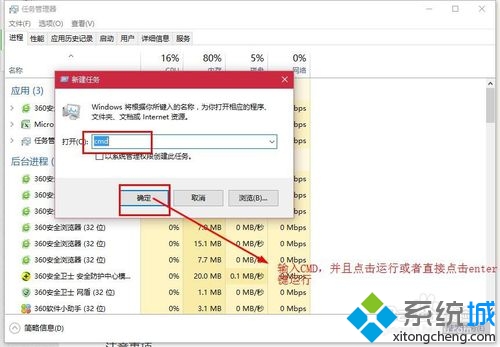
  2. 點選「檔案」→「執行新工作」。
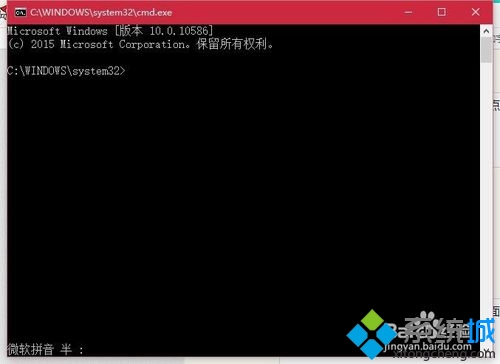
  3. 在「開啟」欄輸入 cmd,勾選「以系統管理員權限建立此工作」→ 確定。
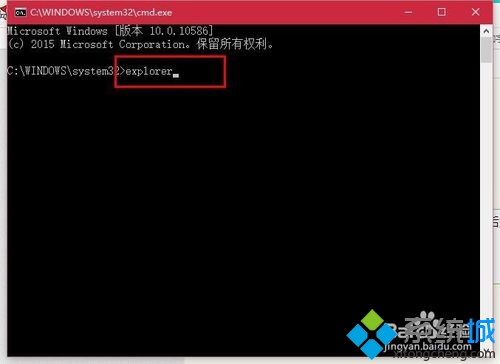
  4. 在命令提示字元視窗輸入 explorer 按 Enter。
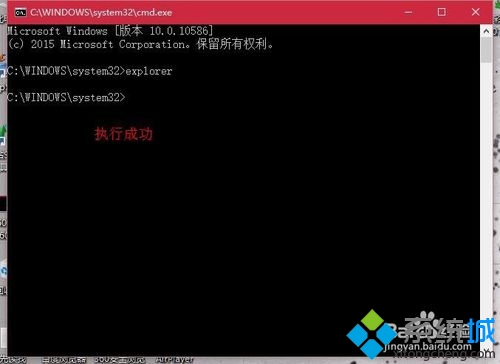
  5. 桌面、工作列、開始選單即刻恢復正常。

原理說明

explorer.exe 是 Windows 殼程式,負責桌面、工作列、檔案總管等介面。結束進程僅停止介面服務,系統核心仍在運作。重新啟動該進程即可恢復圖形介面,不影響已開啟的應用程式。

延伸技巧

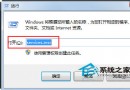
  • 若工作管理員也無法開啟,可嘗試 Win+R → explorer → Enter。
  • 批次檔一鍵重啟:記事本存檔 restart_explorer.bat 內容:
    taskkill /f /im explorer.exe
    start explorer.exe
Copyright © Windows教程網 All Rights Reserved