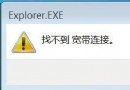
Windows 7 中若啟動項找不到 ctfmon.exe,會導致輸入法無法正常啟動。這通常是因為登錄表項目遺失或損壞。以下透過新增登錄值快速修復。
regedit 並按 Enter。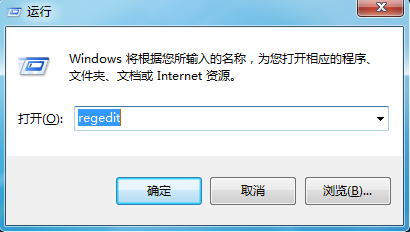
HKEY_CURRENT_USER\Software\Microsoft\Windows\CurrentVersion\Run。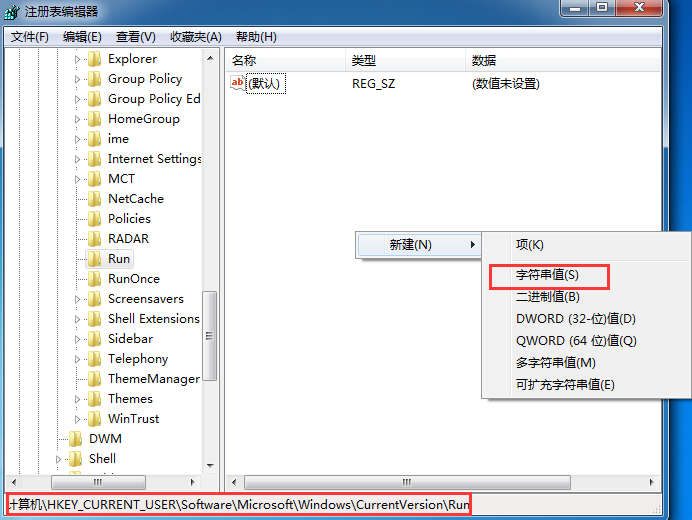
ctfmon.exe。ctfmon.exe,將 數值資料 設為 C:\Windows\System32\ctfmon.exe(注意路徑分隔符為反斜線),按確定。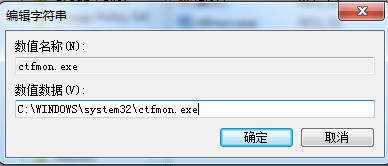
C:\Windows\System32\ctfmon.exe(System32 存放 64 位元系統檔)。C:\Windows\System32\ctfmon.exe 檔案是否存在,若遺失可從同版本 Windows 系統複製補回。