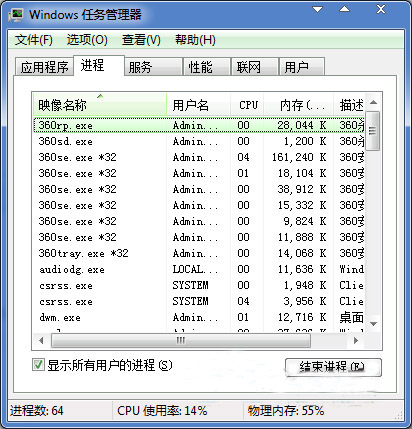
wowexec.exe
cdilla10.exe
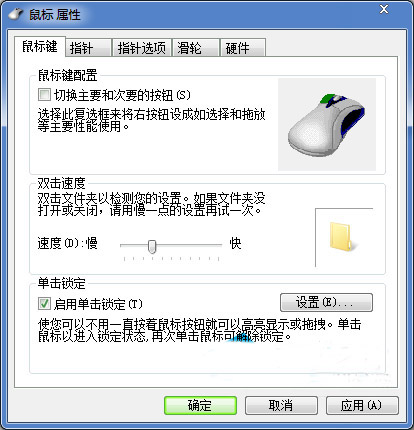
wowexec.exe 為 16 位元相容性支援程序,cdilla10.exe 為 C-Dilla 授權管理程式(舊版軟體常見),兩者干擾滑鼠訊息處理導致單擊被判定為雙擊。
Win7 彈窗 DfrgFat:Dfrgfat.exe 錯誤怎麼修?四招從註冊 DLL 到重建 WMI 庫徹底清理
Win7 .exe 執行檔關聯損壞?登錄檔修復 exefile\shell\open\command 預設值
Win7 磁碟管理壓縮 C 槽騰出空間建立新分區:圖解 12 步驟完整操作
Win7 安裝 IE10 出現白畫面/無法開網頁?安全移除 IE10 回滾 IE9 步驟詳解
Win7 如何更改 CMD 命令提示字元字體大小?視窗預設值設定法
Win7應用程式無法啟動、並行配置不正確?兩招快速修復
外接光驅不顯示?USB光驅識別失敗全流程排查與修復指南
Win7 攝影機裝置管理員看得到但電腦/我的電腦找不到?建立捷徑至網路捷徑資料夾讓它現身