Win7 桌面/资源管理器右键菜单无反应、卡顿或不弹出,多为组策略/注册表 NoViewContextMenu 被误设为 1。管理员 CMD 一键修复。
reg add HKEY_CURRENT_USER\Software\Microsoft\Windows\CurrentVersion\Policies\Explorer /v "NoViewContextMenu" /t REG_DWORD /d 0 /f
taskkill /f /im explorer.exe
start explorer.exe
pause
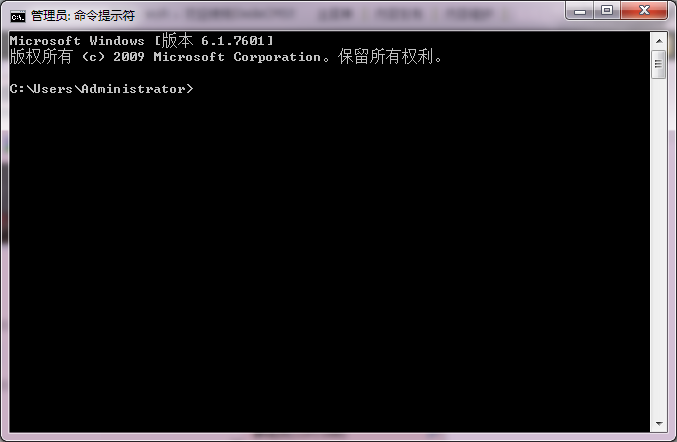
NoViewContextMenu 重置为 0(启用右键菜单)explorer.exe 使设置生效补充排查: 若修复后仍异常,可能是第三方右键扩展(如压缩软件、杀毒软件菜单项)冲突,建议用 ShellExView 禁用非微软扩展排查。