開機黑畫面報錯,對症下藥:
| 錯誤訊息 | 原因分析 | 修復方案 |
|---|---|---|
| HDD Controller Failure | 硬碟與控制器訊號傳輸異常(排線鬆動/損壞、供電不足、主機板 SATA 控制器故障) | 關機檢查 SATA/電源排線重插/換線 → BIOS 檢測硬碟 → 換 SATA 埠測試 |
| Bad or missing command interpreter | 系統碟 command.com 遺失/損壞(病毒、誤刪、磁碟錯誤) | 啟動碟開機 → 修復命令提示字元執行 sys c: 或複製 command.com → 全盤掃毒 |
| Diskette Boot Failure | 啟動磁碟 (軟碟/USB/光碟) 損壞或 BIOS 啟動順序錯誤 | 移除所有 USB/光碟 → BIOS 設第一啟動序為硬碟 → 換正常啟動碟修復 |
| Disk Boot Failure + Invalid Drive Specification | 引導磁區/MBR/分區表損壞(病毒、斷電、磁碟工具誤操作) | 啟動修復/命令提示字元執行 bootrec /fixmbr /fixboot /rebuildbcd → 重新分區格式化 (資料全失) |

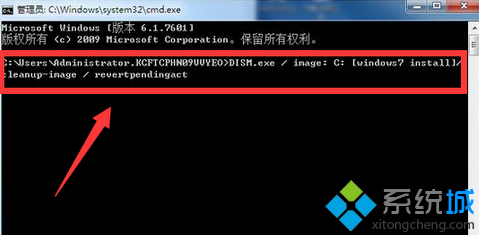
通用修復流程:Windows 安裝光碟/USB → 修復電腦 → 命令提示字元 → 依序執行 bootrec /fixmbr、bootrec /fixboot、bootrec /rebuildbcd、chkdsk C: /f → 重開機。