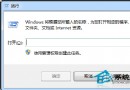
善用 Win+R 執行 shell: 指令,秒開深層系統資料夾,無需層層點擊:
| 指令 | 開啟目標 |
|---|---|
shell:Profile / shell:UsersFilesFolder | 當前使用者根目錄 (C:\Users\用戶名) |
shell:Personal | 我的文件 |
shell:My Music | 我的音樂 |
shell:My Pictures | 我的圖片 |
shell:My Video | 我的影片 |
shell:Desktop | 桌面 |
shell:Downloads | 下載 |
shell:Favorites | IE 收藏夾 |
shell:SendTo | 傳送至右鍵選單目錄 |
shell:Startup / shell:Common Startup | 當前用戶/所有用戶開機自啟資料夾 |
shell:Cookies / shell:Cache | IE Cookies / 快取 |
shell:Programs / shell:Common Programs | 開始選單程式清單(用戶/共用) |
shell:ControlPanelFolder | 控制台 |
shell:RecycleBinFolder | 資源回收筒 |
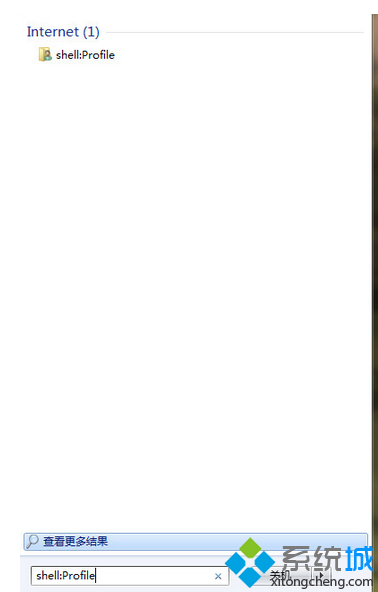
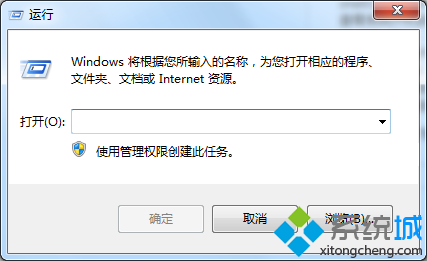
用法:Win+R → 輸入指令(如 shell:Startup)→ Enter。也可在開始選單搜尋框直接輸入。
進階:建立捷徑目標為 explorer.exe shell:Startup 釘選工作列,一鍵管理開機項目。