Windows 7 執行 slmgr -dli 或 slmgr -dlv 檢查授權狀態時,若出現錯誤 0x80070422(「該服務無法啟動,可能是因為它被停用」),原因是 Software Protection 服務 (sppsvc.exe) 被停用或設為手動,導致系統無法驗證數位授權。啟用該服務並設為自動(延遲啟動)即可修復。
services.msc → Enter 開啟服務管理員。slmgr -dli 驗證授權狀態應恢復正常。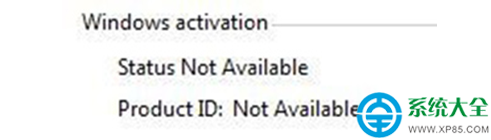

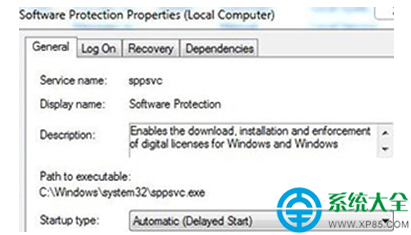
原因分析:使用過啟動工具、移除 WAT、或優化工具誤停用服務,導致 sppsvc 無法執行授權檢查。此服務負責下載、安裝、強制執行 Windows 及應用程式的數位授權。
同類錯誤:若 Windows Update 服務同樣被停用,也會導致 0x80070422 錯誤,請同步檢查並啟用 Windows Update 服務。