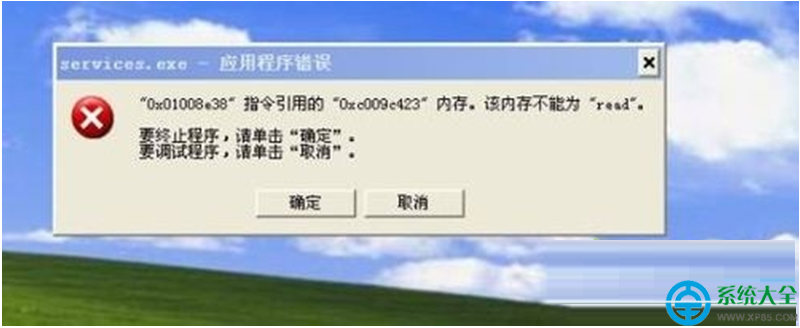
Windows 7 安裝應用程式彈出 0x009c423 記憶體錯誤,實測常因 WPS Office 與 Microsoft Office 同時安裝衝突,或系統 DLL/OCX 註冊異常。
解決方案
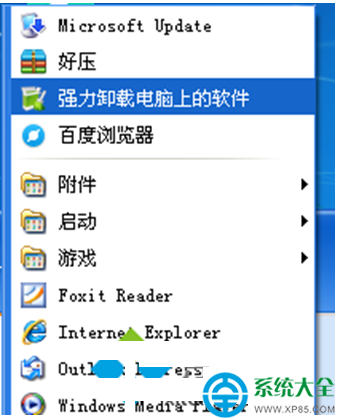
解決軟體衝突(最有效): 兩套辦公軟體擇一保留,建議保留 Microsoft Office,透過「程式和功能」完整解除安裝 WPS Office(或反之),重開機測試。
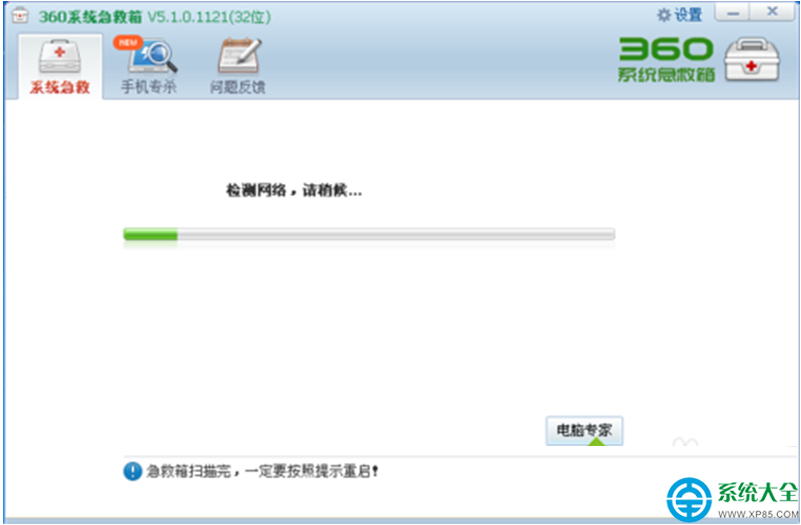
360 系統急救箱修復: 360 安全衛士→「功能大全」→「系統急救箱」→掃描修復系統錯誤。
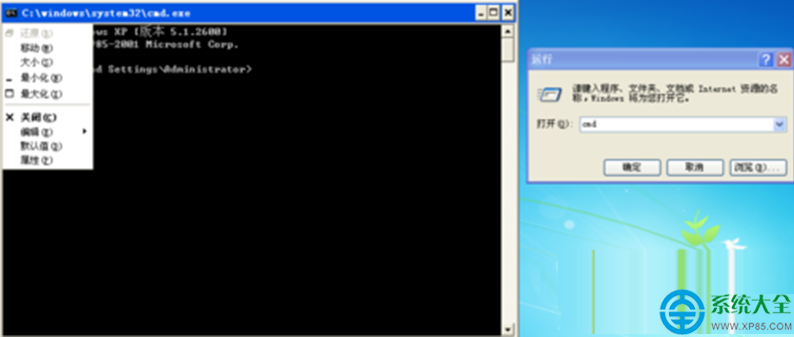
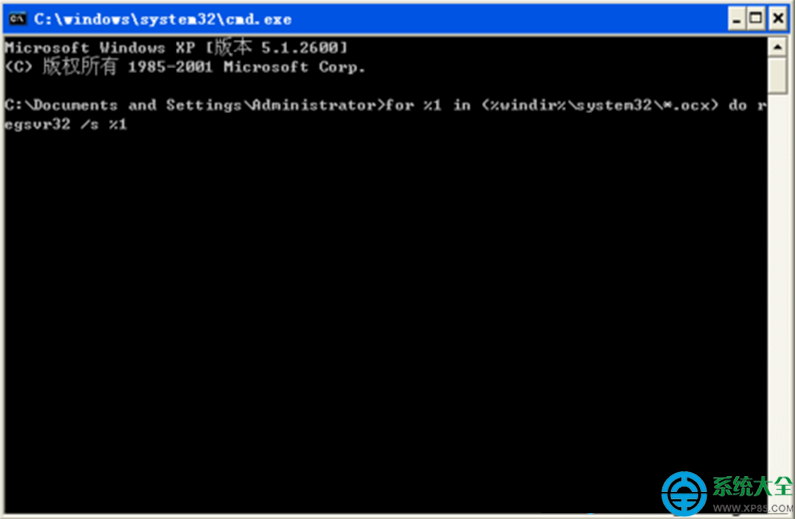
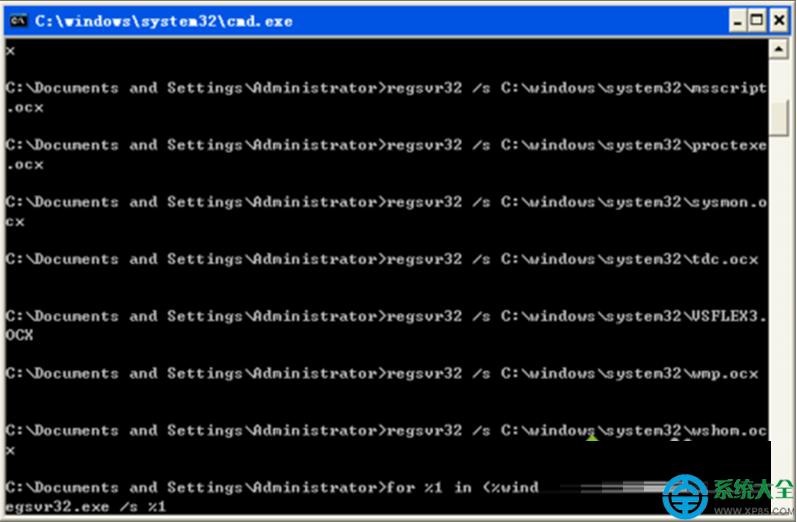
CMD 批次重註冊系統 DLL/OCX(徹底): 管理員命令提示字元依序執行: for %1 in (%windir%\system32\*.ocx) do regsvr32 /s %1 for %1 in (%windir%\system32\*.dll) do regsvr32.exe /s %1
等待掃描完成(數分鐘),重開機。