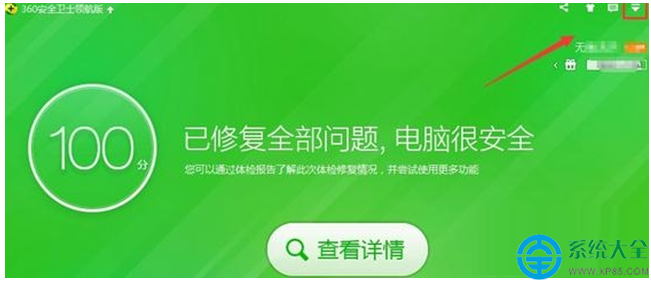
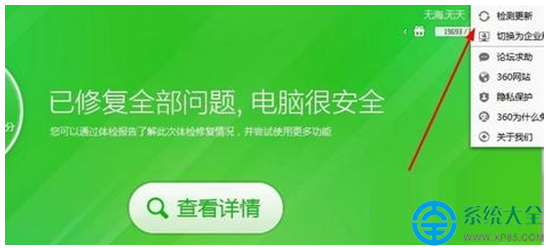
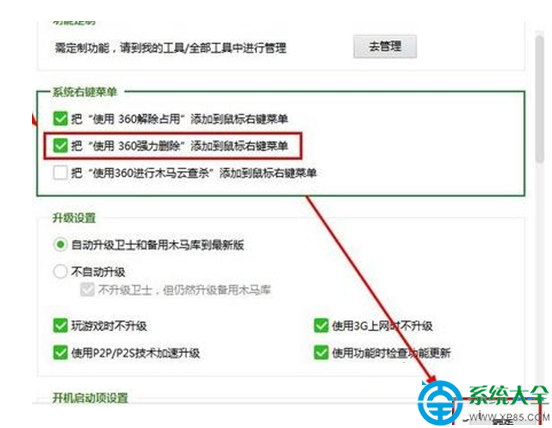
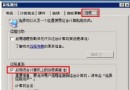
360 安全衛士提供「強力刪除」功能,可刪除一般無法移除的頑固檔案。透過內建設定即可將此選項加入右鍵選單,使用更便利。
設定完成後,右鍵點選任何檔案或資料夾即可看到「使用 360 強力刪除」選項,一鍵清除頑固檔案。
紙質筆記本推薦指南:尋找那本「寫得順、翻得平、不透墨」的理想本子
Windows 7 開機後網路圖示持續轉圈?啟用 Network List Service 修復
Win7「相依服務或群組無法啟動」導致無法上網?四大修復方案依序嘗試
Win7 系統設定螢幕保護程式完整教學:從啟用到 3D 文字自訂
Win8 改裝 Win7 完整圖文教學:BIOS 設定、分區表轉換、驅動安裝
Win7 開不開 Word、跳錯誤報告?兩招修復 Normal 模板搞定
Win7 修改使用者帳戶類型:控制台提升/降低權限 (標準用戶 ↔ 系統管理員)
Win7 無線滑鼠沒反應怎麼辦?7 大常見原因與排除步驟