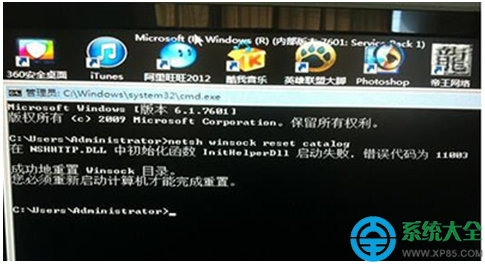
Windows 7 預設磁碟機圖示不顯示剩餘空間,需開啟「電腦」才能看見。透過修改登錄,可讓磁碟機圖示直接顯示剩餘空間百分比與可用容量:
regedit 開啟登錄編輯器。HKEY_CLASSES_ROOT\Drive。TileInfo 字串值(無則新增),雙擊修改數值資料為:
prop:*System.PercentFull;System.Computer.DecoratedFreeSpace;System.Volume.FileSystem
explorer.exe 生效。修改後,「電腦」視窗中各磁碟機圖示下方將直接顯示「XX% 可用 (XX GB 可用) / 檔案系統」,一目瞭然無需滑鼠停留或右鍵屬性。