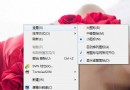
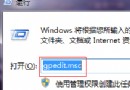
Win7 32 位系統桌面建立、刪除、重新命名捷徑或檔案後,圖示不即時更新,需手動按 F5 才能重新整理。此為登錄鍵值 UpdateMode 遺失或錯誤導致,可透過新增登錄項修復。
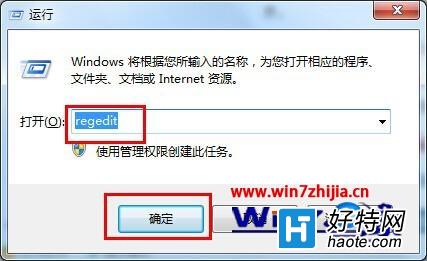
按 Win + R 開啟「執行」視窗,輸入 regedit 按 Enter。
依序展開:HKEY_LOCAL_MACHINE\SYSTEM\CurrentControlSet\Control
在 Control 上右鍵 → 「新增」→ 「項」,命名為 Update。
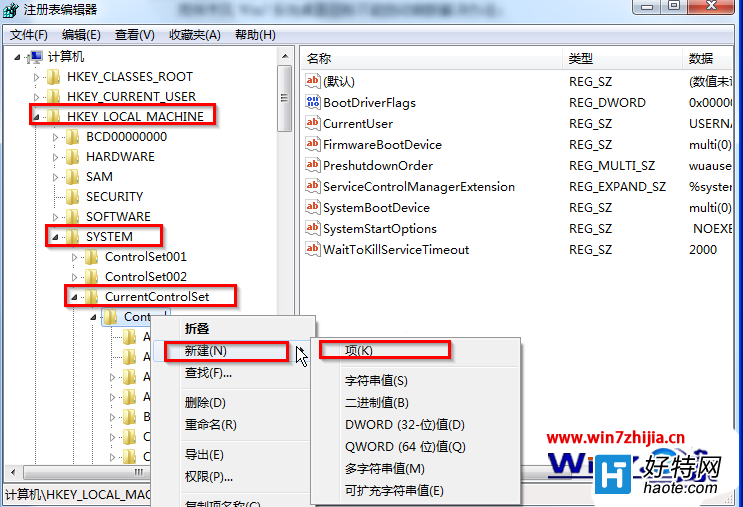
在新建的 Update 項上右鍵 → 「新增」→ 「項」,命名為 UpdateMode。
在 UpdateMode 右側空白處右鍵 → 「新增」→ 「可擴充字串值 (REG_EXPAND_SZ)」,名稱設為 DWORD(若已存在同名值請先刪除再重建),雙擊修改數值資料為 0,確定。
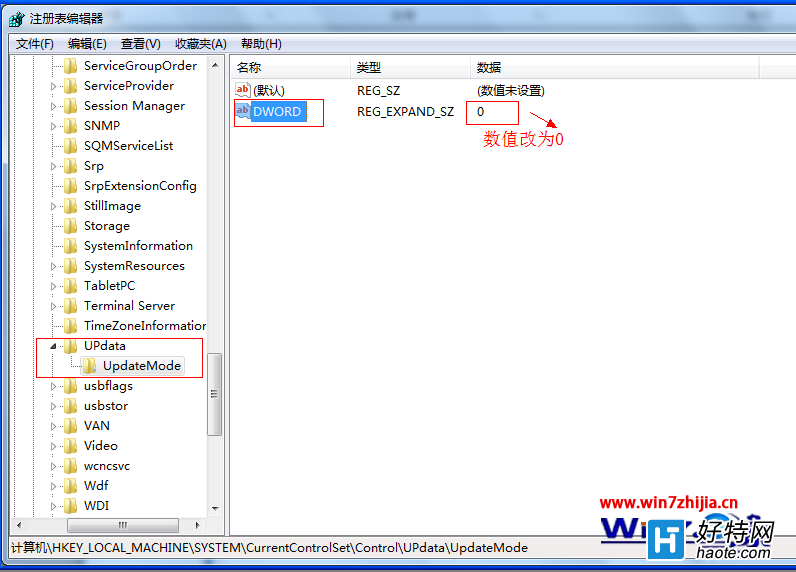
修改完成後,重新啟動電腦或重新啟動 explorer.exe 進程,桌面圖示即可恢復自動重新整理功能。