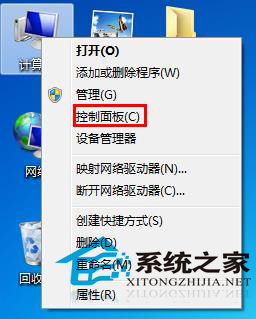
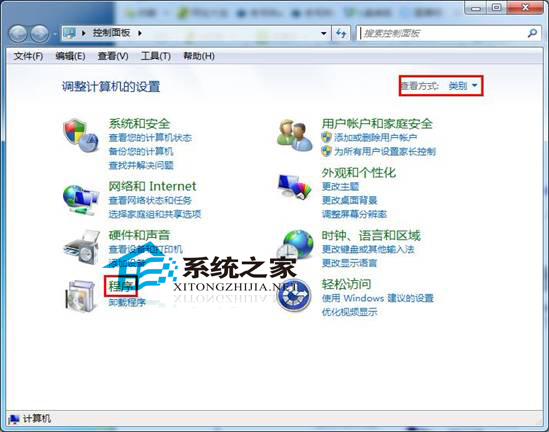
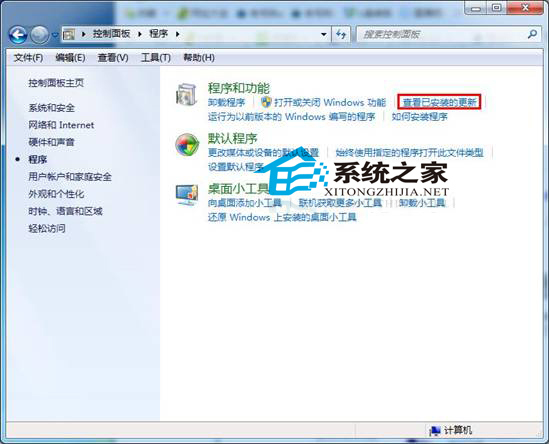
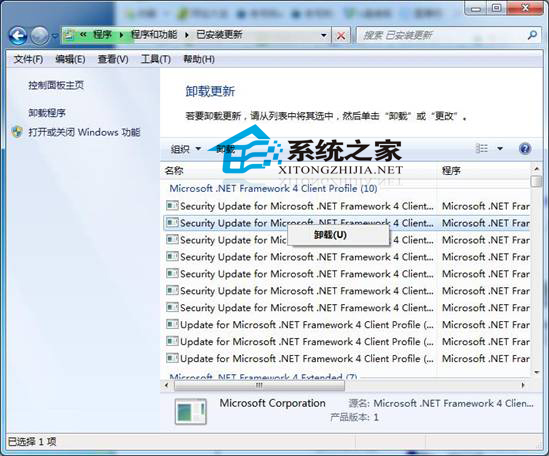
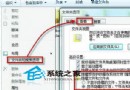
Windows 7 卸载已安装更新补丁:控制面板 → “程序” → “查看已安装的更新” → 右键目标更新 → “卸载”。标准路径无需第三方工具,适用于所有补丁(安全更新、功能更新、驱动更新)。
推荐:Win7新年賀歲版下載
注意:卸载关键安全补丁可能降低系统防护,建议卸载前创建还原点。Windows 8/10/11 路径:设置 → 更新和安全 → Windows 更新 → 查看更新历史记录 → 卸载更新。
Windows 7 中 Ctfmon.exe 進程解析:功能、異常與病毒辨識
Win7利用AppLocker本地安全策略隔离病毒:可执行规则拒绝特定路径程序运行
Win7怎么看电脑配置?系统自带+鲁大师双渠道查看全指南
Win7 測試網路延遲:ping 指令檢測路由器與外網連線品質
Win7 網頁字體大小怎麼設定?瀏覽器縮放 100% + Internet 選項輔助功能自訂字體
Win7 安全使用網路共用:net share 指令掃描共用資源、刪除預設共用 (C$、D$、IPC$)
Win7無法打開RAW相片格式?安裝ACDSee完美支援相機原始檔
开机黑屏出现一堆字母?POST 自检信息、BIOS 设置、硬件故障快速辨别