Windows 7 64 位元系統偶發滑鼠右鍵點擊無反應、內容選單不彈出,通常為登錄 NoViewContextMenu 值被惡意軟體或優化工具修改為 1 所致。透過命令列修復即可恢復。
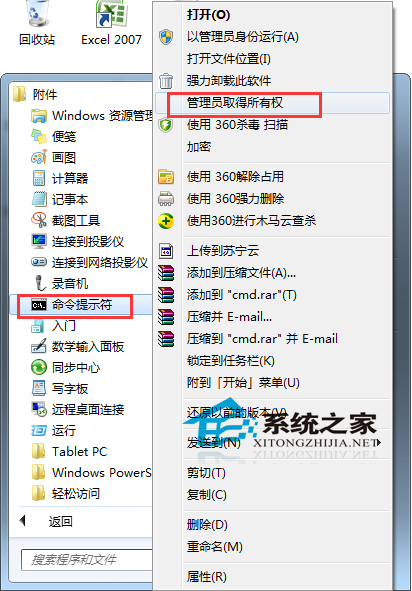
reg add HKEY_CURRENT_USER\Software\Microsoft\Windows\CurrentVersion\Policies\Explorer /v "NoViewContextMenu" /t REG_DWORD /d 0 /f
taskkill /f /im explorer.exe
start explorer.exe
pause
reg add ... /d 0:將 NoViewContextMenu 設為 0 (啟用右鍵選單)taskkill /f /im explorer.exe:強制結束檔案總管start explorer.exe:重新啟動檔案總管套用設定若問題重複發生,請檢查是否有安全軟體/優化工具持續修改此值,建議移除相關軟體或設定例外。