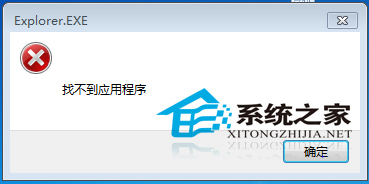
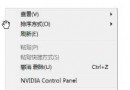
右鍵選單點選某項彈出「找不到應用程式」,因對應程式被刪除但右鍵登錄殘留。
regedit
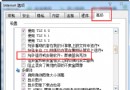
HKEY_CURRENT_USER\Software\Microsoft\Internet Explorer\MenuExt
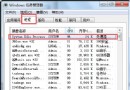
三步驟即可清除無效右鍵項目。養成關機前清理暫存檔(如用垃圾清理器)習慣,維持系統乾淨。
Win7 安裝 PP 助手提示「無法取得應用程式包資訊」?刪除舊安裝包重新搜尋安裝
Win7重裝系統後識別不到U盤怎麼辦?USB驅動與Root Hub啟用雙修復
Win7 裝置管理員啟用 SATA 硬碟寫入快取,提升磁碟效能
Win7 USB 視訊裝置黑畫面?更新驅動程式解決攝影機無畫面
Win7 更換開機音效:自訂 Windows 登入聲音
Win7 啟用自動鎖定螢幕保護隱私的設定教學
Win7 如何查看電腦是 32 位元還是 64 位元?三種快速查詢方法教學
Win7 家庭版/旗艦版關閉螢幕保護程式完整教學