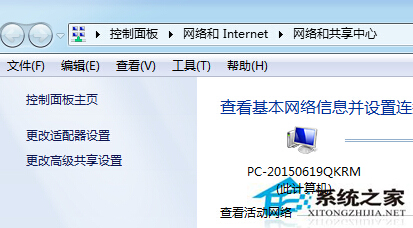
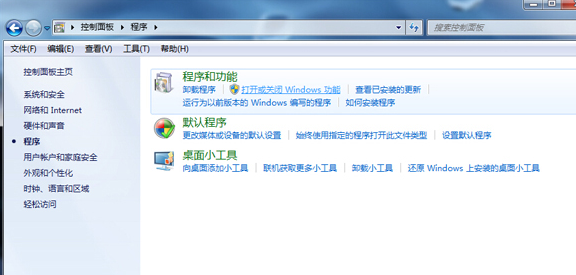
寬頻連線卡在「正在識別」無法取得 IP,兩種快速解法:
cmd
ipconfig /release
方法二更快捷,適合熟悉指令操作的使用者。
Win7共享文件夹设置完全控制权限:高级共享权限配置允许修改删除文件
Win7 IE 右鍵選單變英文?安裝中文語言包恢復中文介面
Win7 如何用 Ping 測試網路品質?ipconfig 取得閘道/DNS、持續 Ping 觀察丟包與延遲
Windows 7 安全模式完整操作指南:進入方法、五大實戰應用與注意事項
Win7 運行程式提示缺少 rasman.dll?系統檔案修復 + 註冊 DLL 完整修復指南
Win7 系統壓縮圖片體積:以畫圖將 PNG 轉存為 JPEG
Win7 右鍵「新增」選單找不到文字文件 (.txt)?一鍵顯示副檔名解決
如何給自己的電腦重灌系統?新手也能懂的完整教學