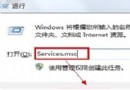
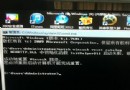
因 C:\Windows\notepad.exe 與 C:\Windows\System32\notepad.exe 同時存在,系統在註冊檔案關聯時重複建立「記事本」選項。執行批次檔修正登錄關聯,保留單一路徑即可去重。
@echo off
if exist "%systemroot%\notepad.exe" set Npath="%systemroot%\notepad.exe %1"
if not exist "%systemroot%\notepad.exe" set Npath="%systemroot%\system32\notepad.exe %1"
reg add "HKCR\txtfile\shell\open\command" /ve /d %Npath% /t REG_SZ /f
reg add "HKCR\Applications\notepad.exe\shell\open\command" /ve /d %Npath% /t REG_SZ /f
reg add "HKCR\SystemFileAssociations\text\shell\open\command" /ve /d %Npath% /t REG_SZ /f
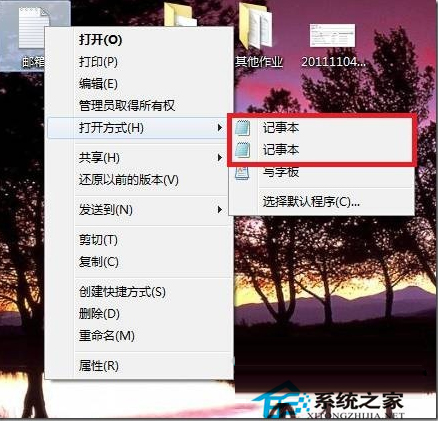
執行後重新整理桌面或重新登入,右鍵「開啟方式」將只剩一個記事本。