使用遠端桌面連線時反覆彈出「網路層級驗證」提示,需在登錄檔啟用 tspkg 安全套件並註冊 credssp.dll,讓系統正確處理 NLA (Network Level Authentication) 驗證流程。
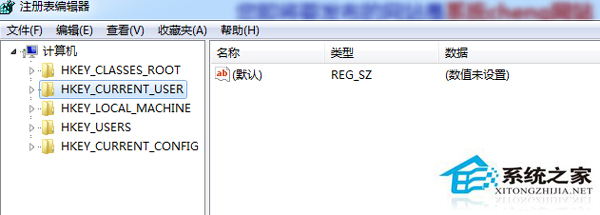
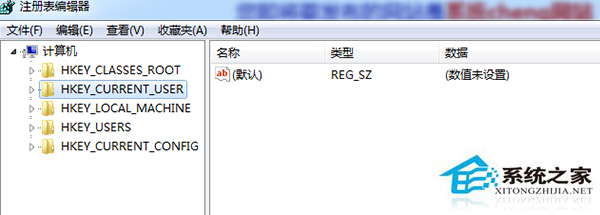
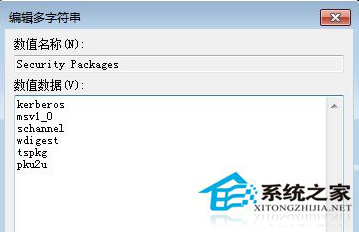
regedit 開啟登錄編輯器。HKEY_LOCAL_MACHINE\SYSTEM\CurrentControlSet\Control\Lsa,雙擊右側 Security Packages,在數值資料末端新增 tspkg (以空白隔開)。HKEY_LOCAL_MACHINE\SYSTEM\CurrentControlSet\Control\SecurityProviders,雙擊 SecurityProviders,在數值資料末端新增 , credssp.dll (逗號隔開)。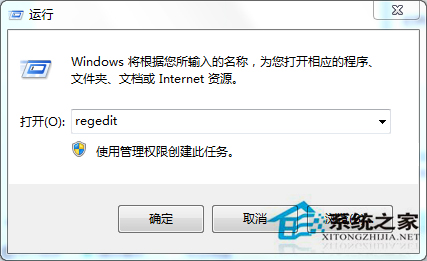
此為 Windows 7 遠端桌面 NLA 相容性修復,適用於連線較舊版 Windows (XP/Server 2003) 或特定網路環境導致驗證失敗的情況。