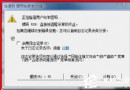
輸入 gpedit.msc 卻無法開啟本機群組原則編輯器,通常是登錄檔中限制 MMC 主控台的鍵值導致。透過修改登錄檔即可恢復。
regedit 開啟登錄編輯器。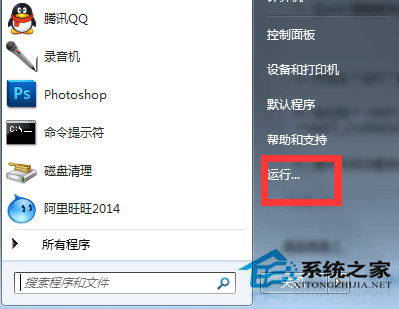
Restrict_Run 數值資料改為 0:HKEY_CURRENT_USER \ Software \ Policies \ Microsoft \ Mmc \ {8FC0B734-A0E1-11D1-A7D3-0000F87571E3} \ Restrict_RunHKEY_CURRENT_USER \ Software \ Policies \ Microsoft \ MMC \ {0F6B957E-509E-11D1-A7CC-0000F87571E3} \ Restrict_Rungpedit.msc。修改完成後,群組原則編輯器應可正常開啟。