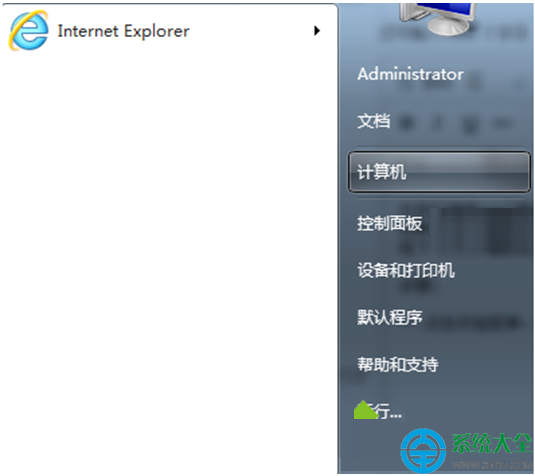
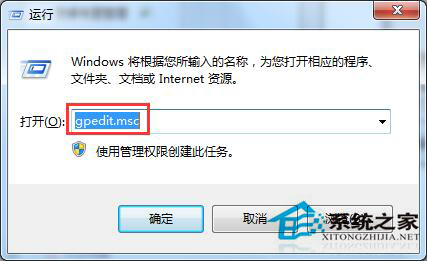
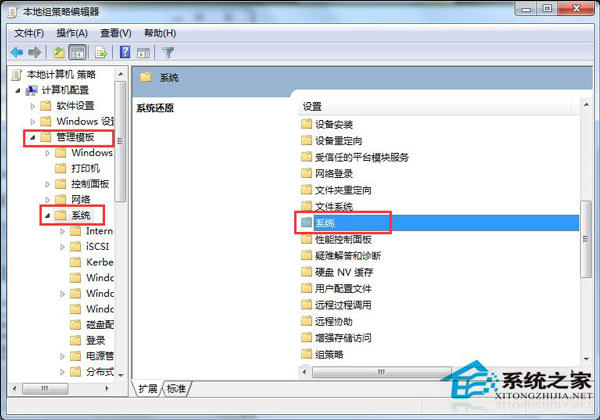
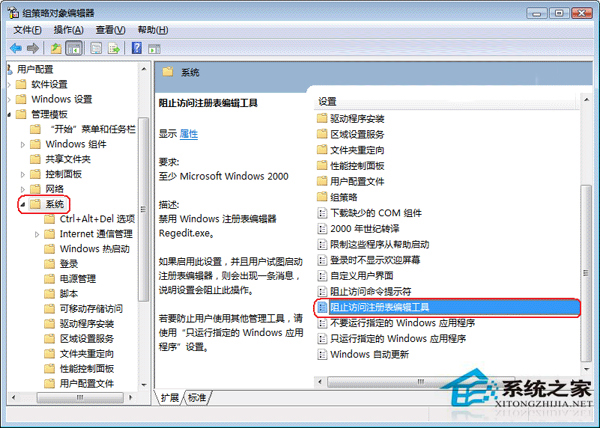
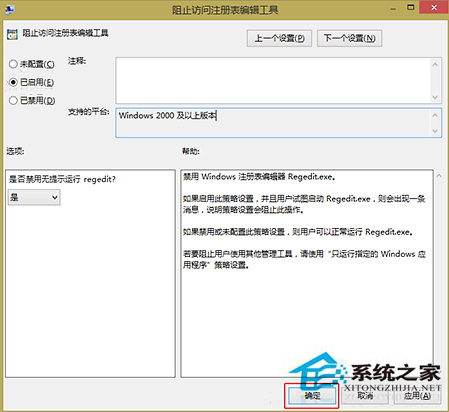
執行 regedit 提示「登錄編輯器已被系統管理員停用」?主因是群組原則啟用了「防止存取登錄編輯工具」。透過 gpedit.msc 將該原則設為「未設定」或「已停用」即可恢復。
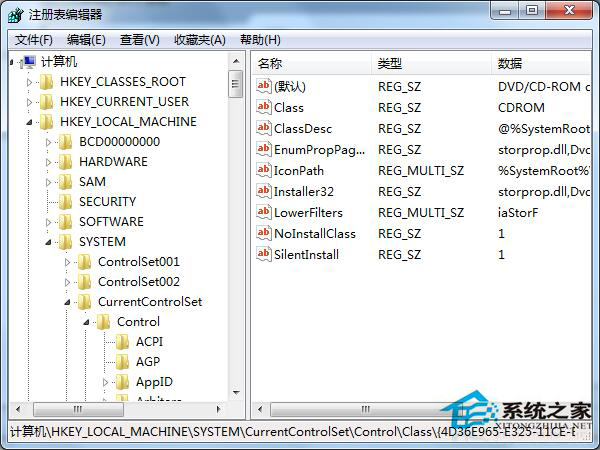
gpedit.msc 開啟本機群組原則編輯器regedit 驗證恢復正常
Home 版替代方案(無 gpedit):
註冊表(若可暫時存取):HKCU\Software\Microsoft\Windows\CurrentVersion\Policies\System
修改/建立 DWORD DisableRegistryTools = 0
或使用批次檔:REG add "HKCU\Software\Microsoft\Windows\CurrentVersion\Policies\System" /v DisableRegistryTools /t REG_DWORD /d 0 /f
權限階層:群組原則優先於登錄編輯器,故必須在群組原則層級解除限制。