iPhone/iPad 接上 Win7 無法辨識,主因 **Apple Mobile Device Service** 未啟動。提供服務重啟與 iTunes 重裝兩法。
方法一:服務管理員重啟服務
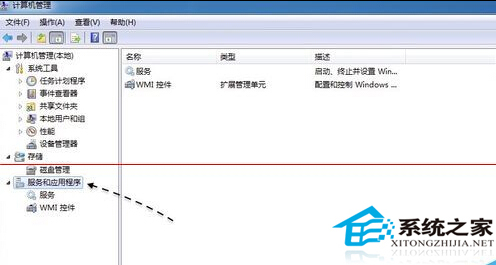
- 右鍵「電腦」→「管理」→「服務與應用程式」→「服務」。

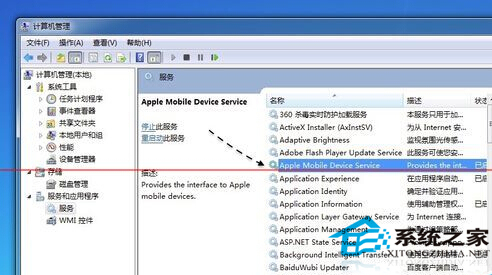
- 找到「Apple Mobile Device」→ 雙擊 →「啟動類型」設「自動」→「啟動」→「確定」。
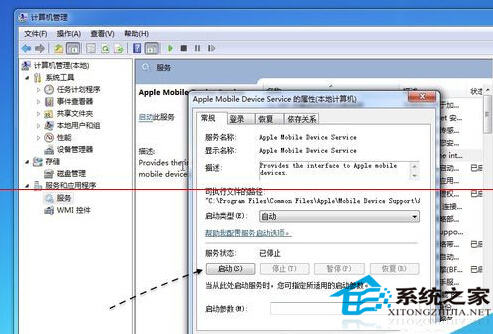
- 重新插拔裝置測試。
方法二:完整重裝 iTunes (含 Apple Mobile Device 元件)
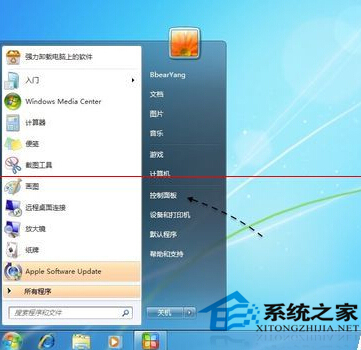
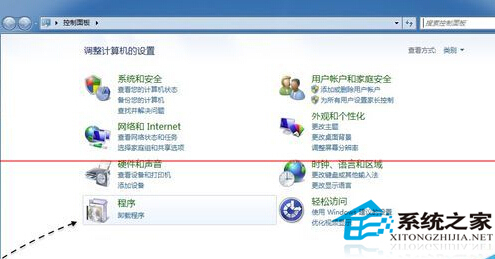
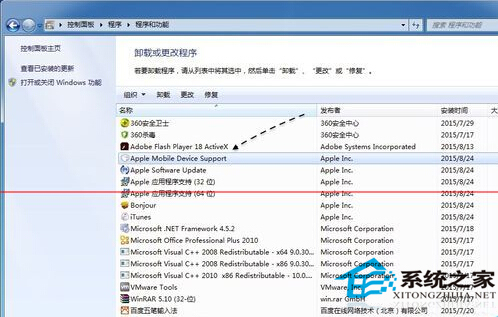
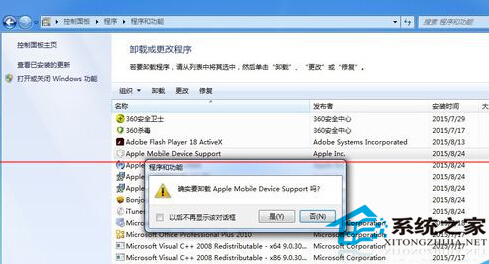
- 控制台 →「程式集」→「解除安裝程式」→ 解除安裝 **Apple Mobile Device Support** (若單獨列出) 或直接解除 **iTunes**。
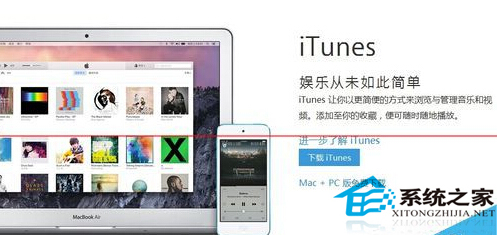
- 至 Apple 官網 下載最新 iTunes 安裝包。
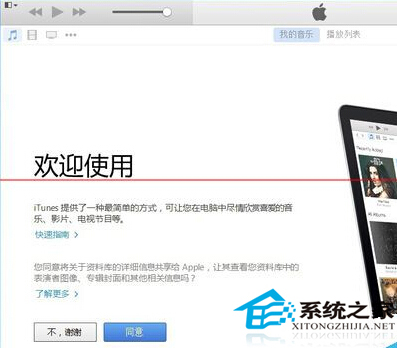
- 安裝 iTunes (會自動安裝 Apple Mobile Device Service) → 重開機。
適用範圍
- 所有 iOS 裝置 (iPhone/iPad/iPod) 於 Win7 無法辨識、iTunes 不顯示裝置、同步失敗等情況。
方法一快速嘗試,無效則方法二徹底重建環境,成功率極高。