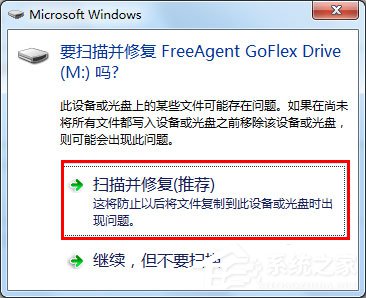
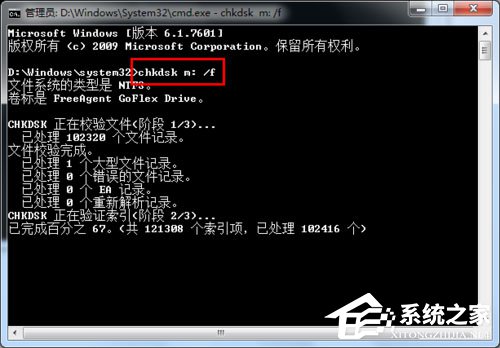
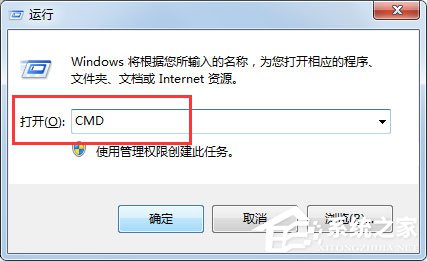
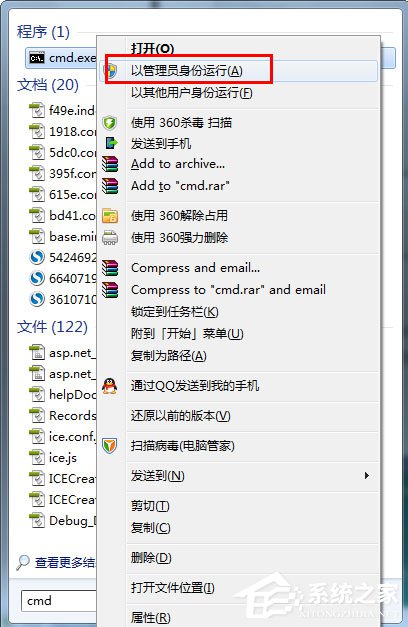
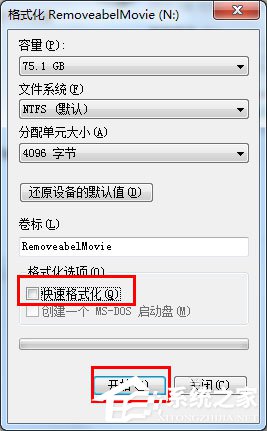
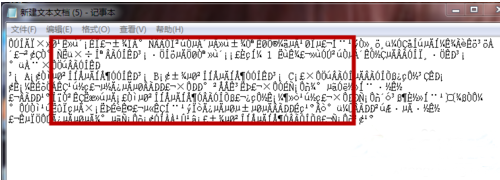
USB/外接硬碟提示「需格式化」或「檔案/目錄損壞無法讀取」,可嘗試 Windows 內建掃描修復、chkdsk 指令、管理員權限執行、低階格式化四步驟搶救資料。
cmd
chkdsk X: /f
平時養成「安全移除硬體」習慣、定期備份重要資料,才是避免資料遺失的根本之道。
Win7 玩遊戲就斷網?排查 DNS、路由器、網卡驅動、聯繫 ISP
Win7 快速查看檔案屬性技巧:Alt + 滑鼠左鍵雙擊秒開屬性視窗
Win7 彈窗「Explorer.exe 伺服器執行失敗」?取消「單獨進程」即可修復
Win7 桌面圖示大小調整完整教學:右鍵選單三檔與 Ctrl+滑鼠滾輪無極縮放
Win7 看優酷視頻卡頓、花屏?啟用硬體加速與清理記憶體輕鬆解決
Windows 7 設定開機自動登入三種方法:安全與便利的平衡
Win7 / XP / Server 2003 快速查看 IE 瀏覽器版本號的三種方法
Win7 桌面「最近造訪的位置」圖示刪不掉?一鍵重整即可消失