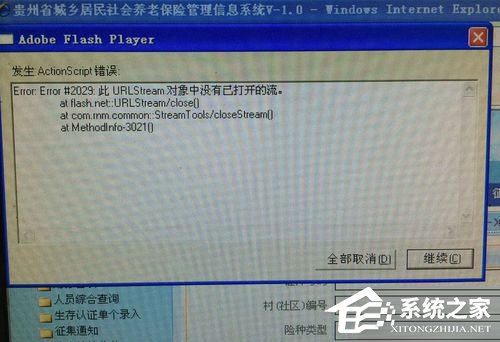
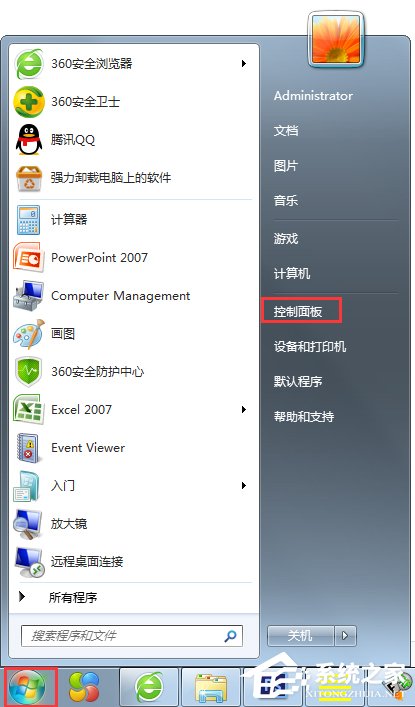
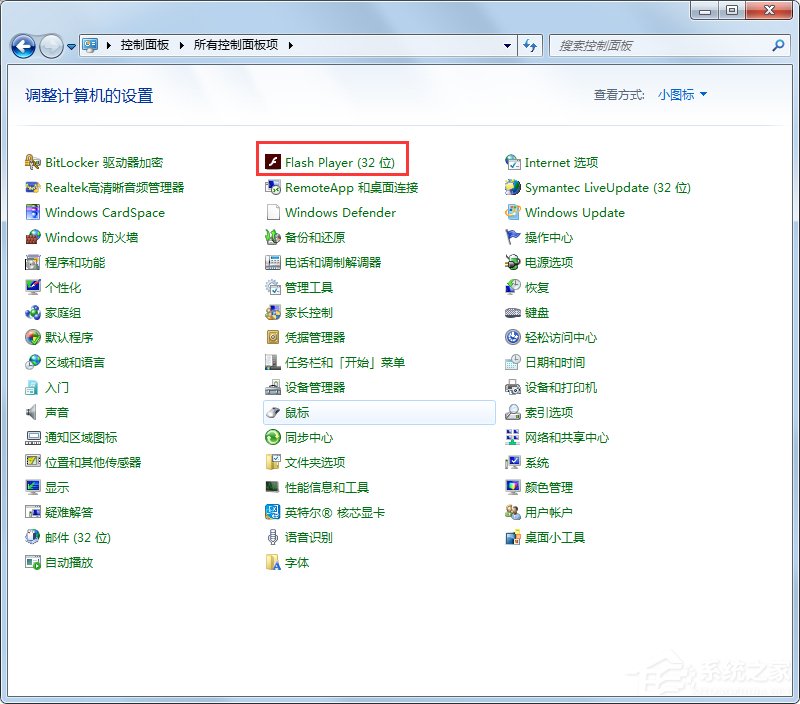
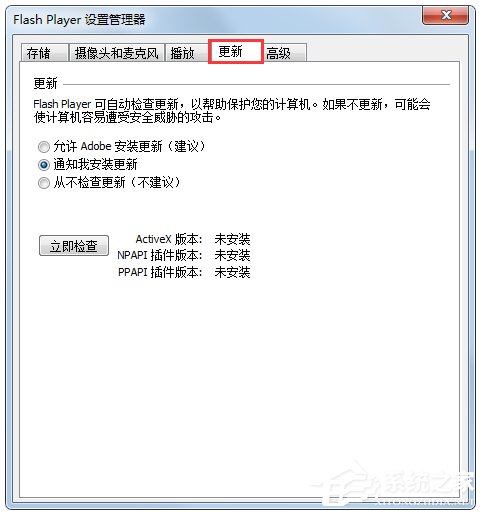
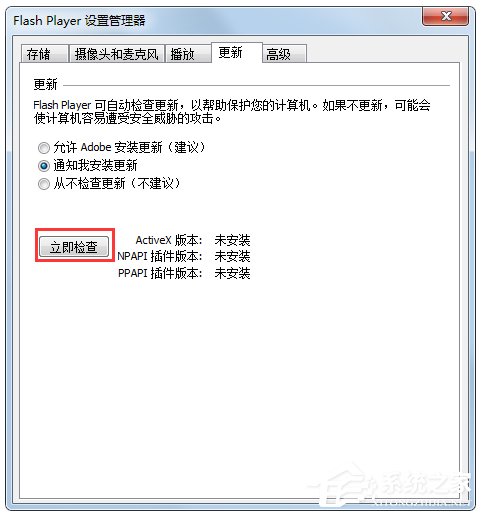
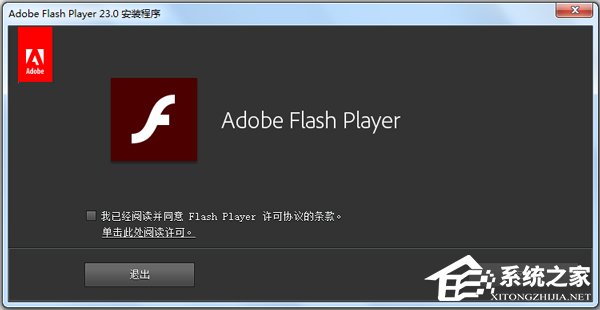
瀏覽網頁或觀看影片時反覆彈出 ActionScript 錯誤,主因 Adobe Flash Player 損壞或版本過舊。透過控制台重新安裝最新版即可修復。
註: Flash Player 已於 2020 年停止支援,現代瀏覽器均內建 HTML5 播放器,建議遷移至無 Flash 環境。此法僅適用於舊版瀏覽器/舊系統維護情境。
Win7 x64 藍屏 0x00000101 (CLOCK_WATCHDOG_TIMEOUT) 完整排查指南:從硬體到驅動逐層擊破
Win7 怎麼進註冊表?三種開啟 regedit 方法(含圖解)
Win7 桌面「我的文件」圖示不見了?一鍵恢復顯示
Win7 家長控制設定教學:限制使用時間、遊戲分級、程式存取權
Win7軟件卸載不了怎麼辦?管理員運行協載程序與注冊表強制刪除雙方案
舊電腦能跑《生化危機 6》嗎?升級記憶體、顯卡就能玩
Win7 內建小遊戲「圖片拼圖板」自訂圖片完整教學
Win7 輸入法消失只能打英文?修復語言列與熱鍵切換設定教學