檔案關聯選單無法新增程式,通常因登錄殘留值鎖死。修復:
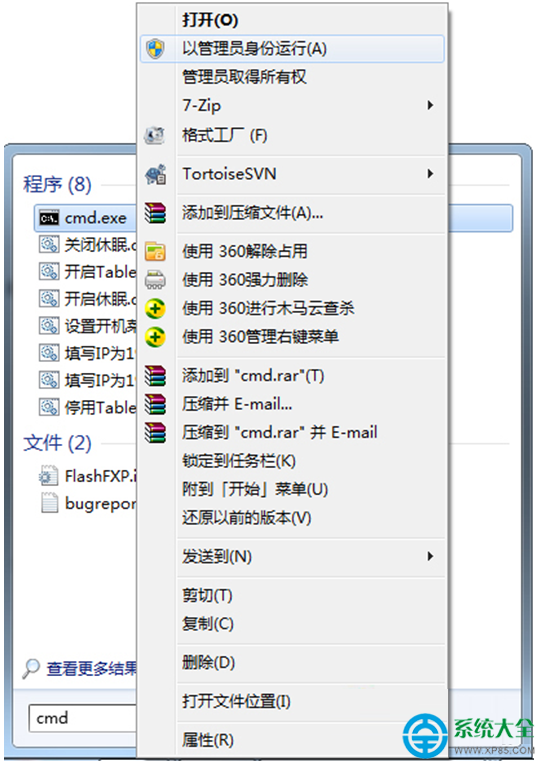
regedit
HKEY_CURRENT_USER\Software\Microsoft\Windows\CurrentVersion\Explorer\FileExts\.pdf
OpenWithList
(預設)
UserChoice
此法適用各類副檔名關聯異常。
電腦管家卸不掉?手把手教你徹底清除,拒絕流氓軟體綁架!
Win7 寬帶撥號錯誤 651「Modem/其他連線裝置回報錯誤」四大排查方向
Win7 桌面圖示文字不見了?刪除 Shell Icons 註冊表鍵值一鍵恢復
Win7 裝置管理員在哪裡?兩種最快開啟方式教學
Win7 JAR 檔案無法開啟怎麼辦?修改登錄檔關聯 Java 執行環境
Win7 架設代理伺服器:TGate 軟體圖文教學(HTTP/SOCKS 雙協定)
Win7 關閉 UAC(使用者帳戶控制)完整圖文教學
Win7 提示「顯示器驅動程式已停止回應並已恢復」怎麼辦?三招修復顯卡問題